10 HOW TO USE
END ROUND
1. When nished with round, HOLD [OK ]
button to return to Main Menu.
2. If Scorecard is turned on, use the
[ UP/DOWN ] buttons to scroll to desired
option, PRESS [ OK ] to select.
• Save & Exit - Save Scorecard, end round,
and return to Main Menu.
• Discard & Exit - Discard Scorecard, end
round, and return to Main Menu.
• Cancel - Select to return to Play Mode.
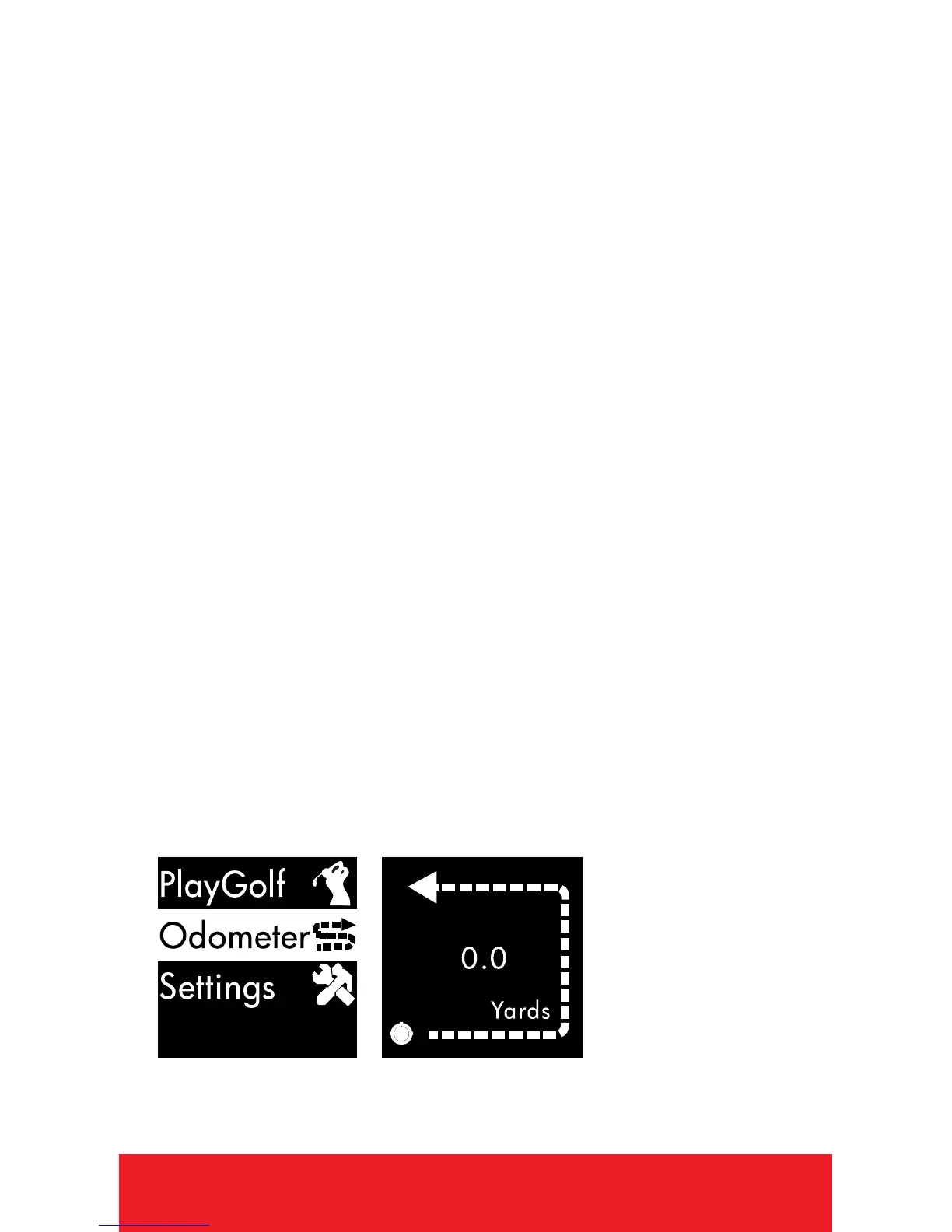
ODOMETER
1. From Time Screen, HOLD
[
OK
]
button to
access Main Menu.
2. Use
[
UP/DOWN
]
buttons to scroll to
Odometer, PRESS
[
OK
]
button to select.


 To Next Page