8 HOW TO USE
SHOT DISTANCE
Note: Shot Distance must be turned On
in Settings.
1. PRESS
[
OK
]
button to access Shot
Distance.
2. To start measuring Shot Distance, PRESS
the
[
DOWN
]
button.
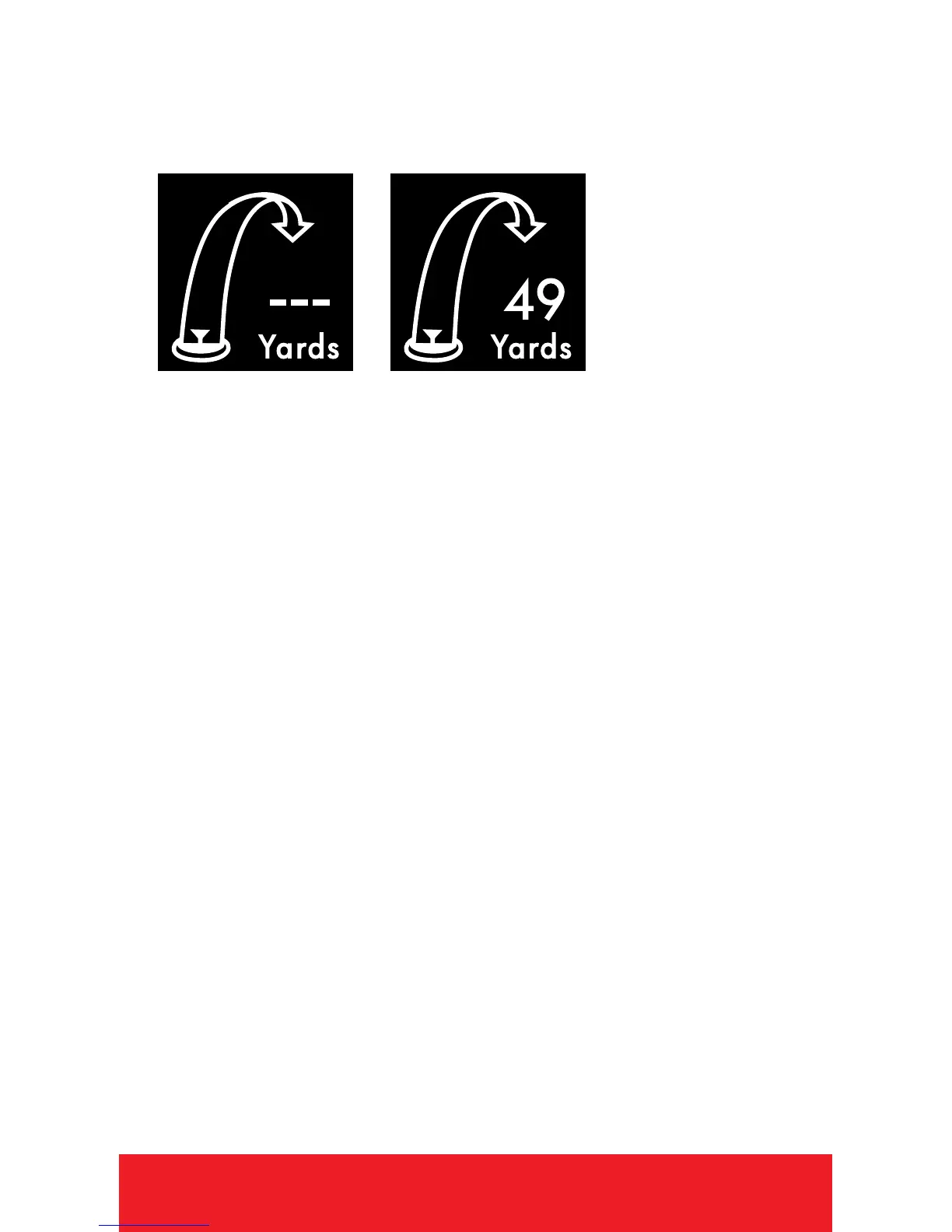
3. As you travel to your ball, the distance will
begin calculating.
4. Once you arrive at your ball, the distance
displayed is the distance of your previous
shot (the distance you traveled).
5. To reset, PRESS the
[
DOWN
]
button.
6. PRESS
[
OK
]
button to view next/previous
screen.


 To Next Page