ENGLISH 9
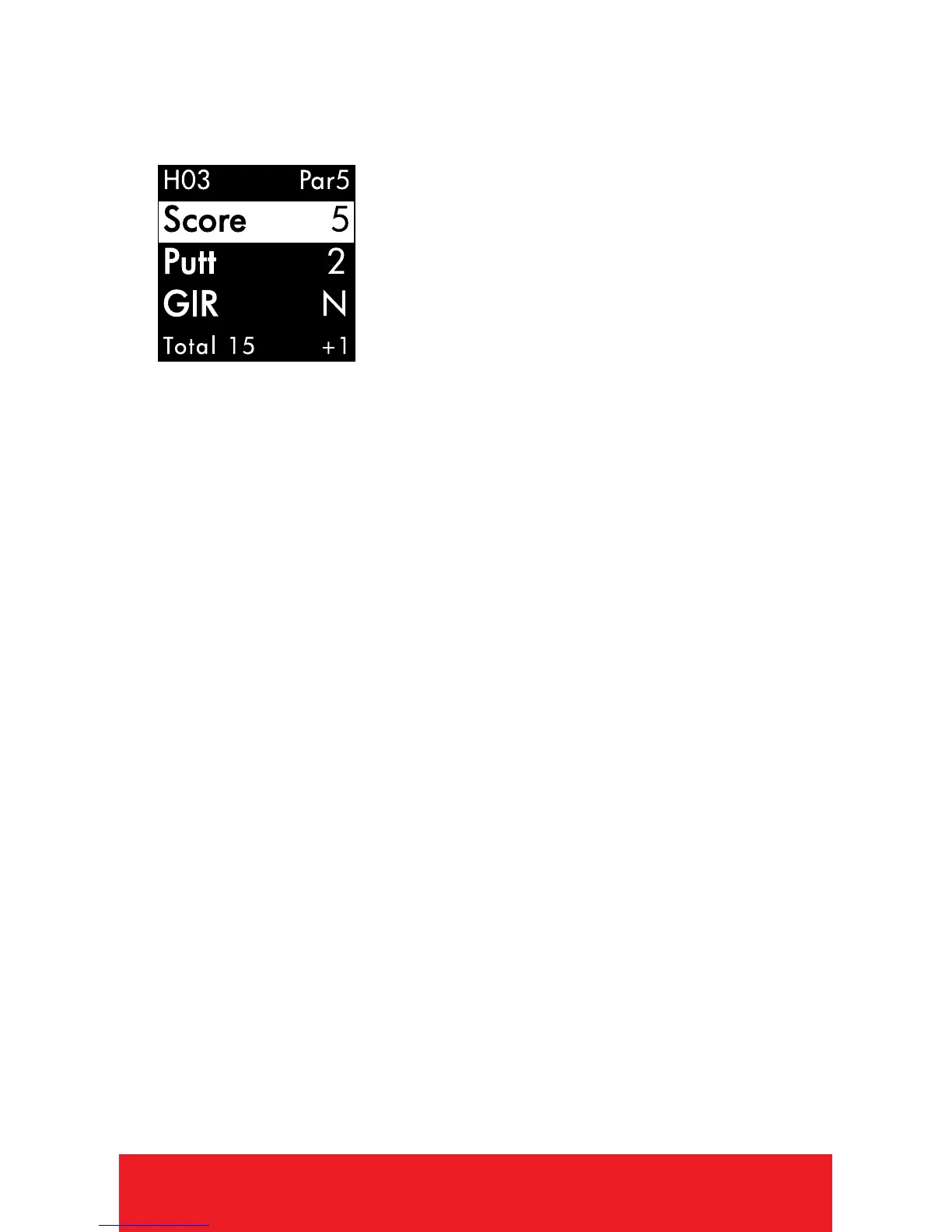
SCORECARD
Note: Scorecard must be turned On
in Settings.
1. PRESS
[
OK
]
button to access Scorecard.
2. Use
[
UP/DOWN
]
buttons until number of
total strokes for that hole is displayed.
3. HOLD the
[
DOWN
]
button to scroll to Putts,
use
[
UP/DOWN
]
buttons until correct
number of putts is displayed.
4. HOLD the
[
DOWN
]
button to scroll to GIR
(Greens in Regulation). Use
[
UP/DOWN
]
buttons to select Y/N (Yes or No).
5. To exit, PRESS
[
OK
]
button to return to
Play Mode.
AUTO-HOLE ADVANCE
1. The device will automatically switch to
the next hole if Scorecard is turned OFF. If
Scorecard is turned ON, a score must be
entered before the device will advance to
the next hole.


 To Next Page