Manual Regeneration
Press and hold the key ‘ ’ for 3 seconds to unlock keys.
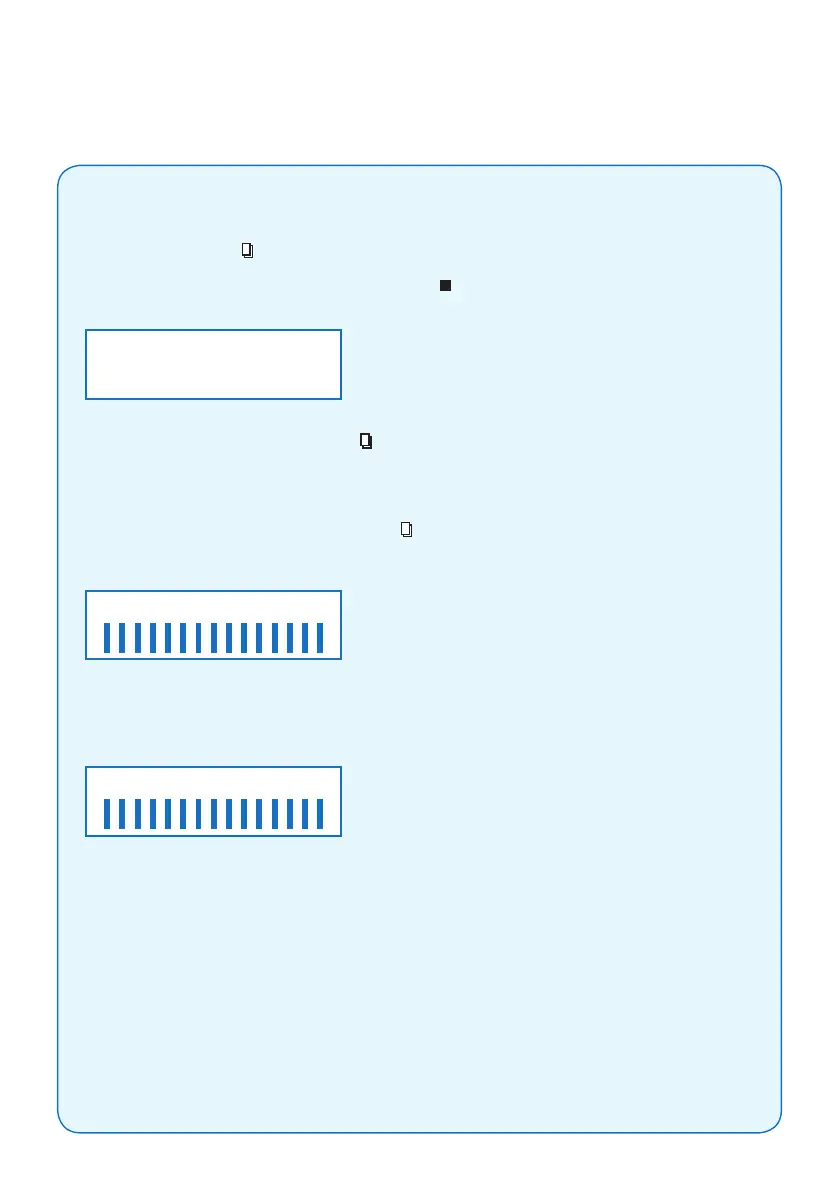
In stand-by position, you can press and hold the key ‘ ’ for 5 seconds whereby the valve will
go into the manual regeneration interface:
(1) If you choose ‘DELAY’ and press key ‘ ’ to exit, the valve will regenerate in the next
REGEN. TIME (default is 2am).
Note: The regeneration mode “METER IMMEDIATE” has no ‘DELAY’ choice.
(2) If you choose ‘IMMEDIATE’ and press key ‘ ’ to exit, the valve will regenerate immediately.
When regeneration has started, the screen will display:
“BACKWASHING” starts ashing. When the valve reaches “BACKWASH” position, “BACKWASHING”
will stop ashing. Vertical bars will decrease on the regeneration cycle. Pressing any key will
automatically advance the valve to the next cycle position: ie BRINE, Screen will display:
The valve will advance to the remainder of the regeneration cycle (RINSE and FULL)
as per the above steps.
- 6 -
BACKWASHING
MANU. REGEN.
DELAY IMMEDIATE
BRINING
CalSoft Mini, Midi & Maxi
2. Installation guidelines



 To Next Page