6
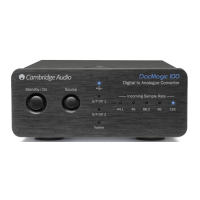
Front panel controls
Last updated: June 6, 2022 10:46. Revision #4546
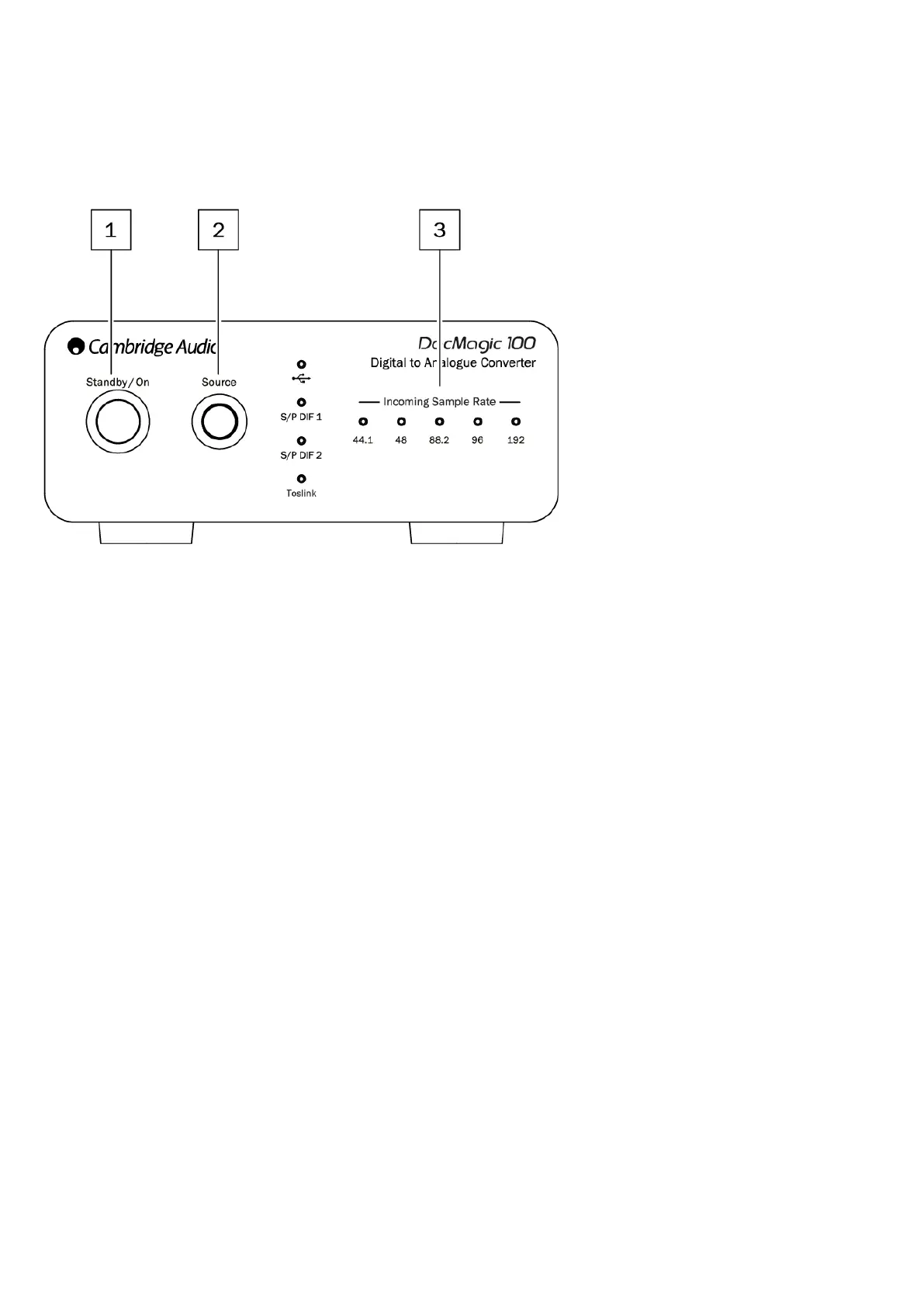
1. Standby/On - Switches the unit between on, and low power standby where the DacMagic 100 is off, and the PSU draws < 0.5W.
2. Source - Select incoming audio source. Toggle between USB, S/P DIF 1, S/P DIF 2, and TOSLINK as indicated by the corresponding LED.
3. Incoming Sample Rate – The sample rate of incoming digital audio between 44.1kHz, and 192kHz will be shown via the corresponding LED.
Note: For 32kHz audio the DacMagic 100 will operate, however no LED will be lit.


 To Next Page