22
Auto Power Down (APD)
Last updated: May 5, 2022 12:07. Revision #3945
The DacMagic 200M arrives with APD enabled, and this will automatically switch the unit to standby after 20 minutes of inactivity.
To disable, or re-enable this function then please see the below instructions.
Note: The DacMagic 200M must be in standby which is indicated by only the standby LED being lit prior to completing the following procedure.
APD off
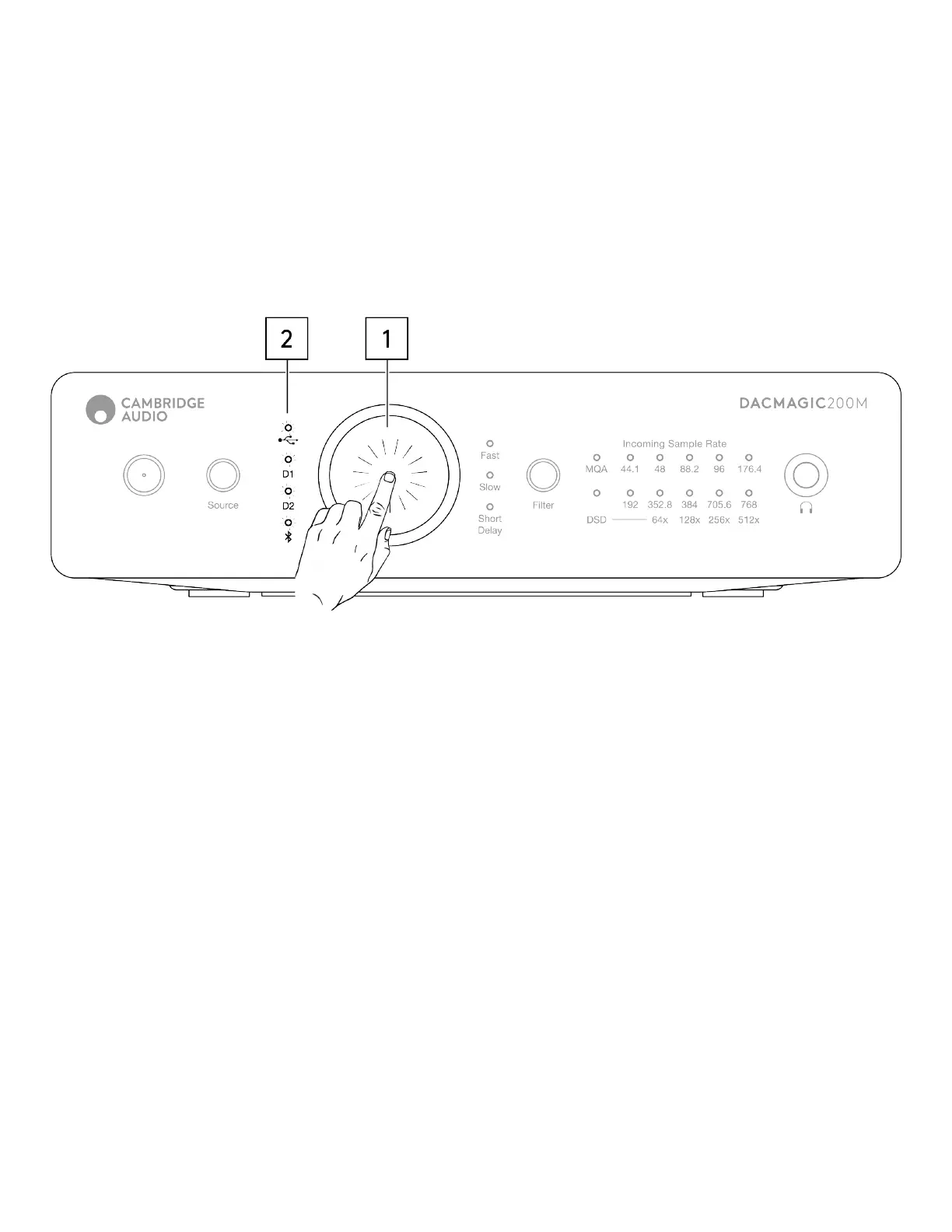
Press and hold down the Volume knob for 5 seconds.1.
Wait for the Input LEDs to blink 2 times.2.
APD On (default)
Press and hold down the Volume knob for 10 seconds.1.
Wait for the Input LEDs to blink 5 times.2.


 To Next Page