10
Operating instructions
Last updated: May 16, 2023 05:59. Revision #9452
Notes:
Your connected EVO 75/150 will need to be switched on and have the 'CD' source selected, in order to achieve audio playback from the EVO
CD.
Ensure that your EVO 75/150 is running the latest firmware version. Your EVO 75/150 will need to be running Service Pack version v132-
b-004 or later for the EVO CD to function.
The EVO CD has been designed to only play:
Compact discs
Recordable CDs (CD-R)
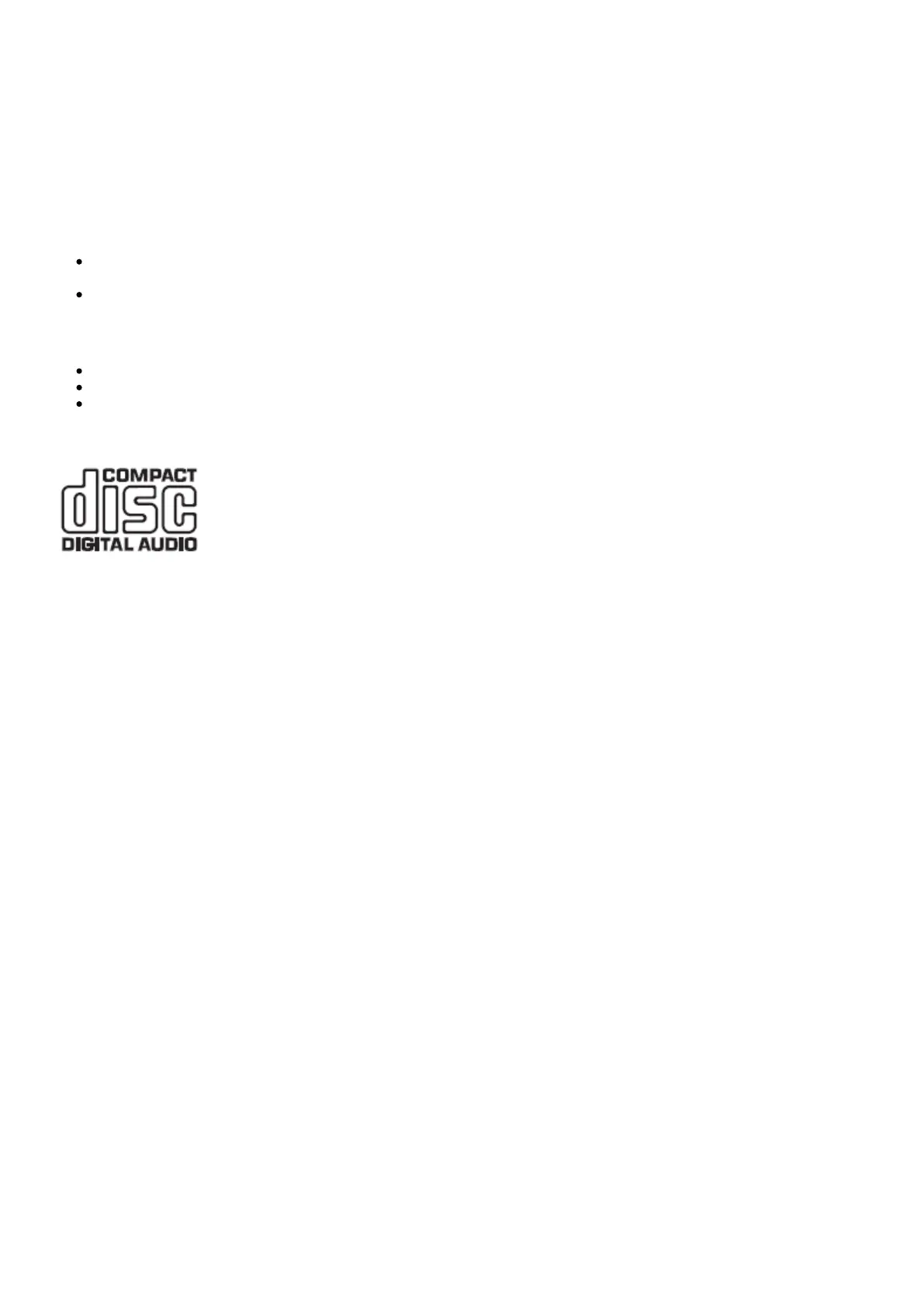
Re-writable CDs (CD-RW) bearing the identification logo shown below.
Note: The CD-R/CD-RW discs should contain properly recorded TOC (Table of Contents) information so that they can be played back.
LOADING AND UNLOADING DISCS
Connect the EVO 75/150 to the EVO CD using the supplied EVO connection cable.1.
Turn on the EVO 75/150 and and set the source selector to 'CD'.2.
Using the front panel of the EVO CD or remote control, press the “Open/Close" button to open the disc tray.3.
Once the disc tray has fully opened, carefully place a disc into the tray with the label side facing upwards.4.
Close the disc tray by pressing the “Open/Close" button again. When the tray has fully closed the EVO CD will read the disc and the5.
EVO 75/150 will display the content information.
The disc tray can be opened at any time during playback using either the front panel “Open/Close" button, or the one located on the remote6.
control. Only remove an inserted disc after the disc tray has fully opened.


 To Next Page