SW2
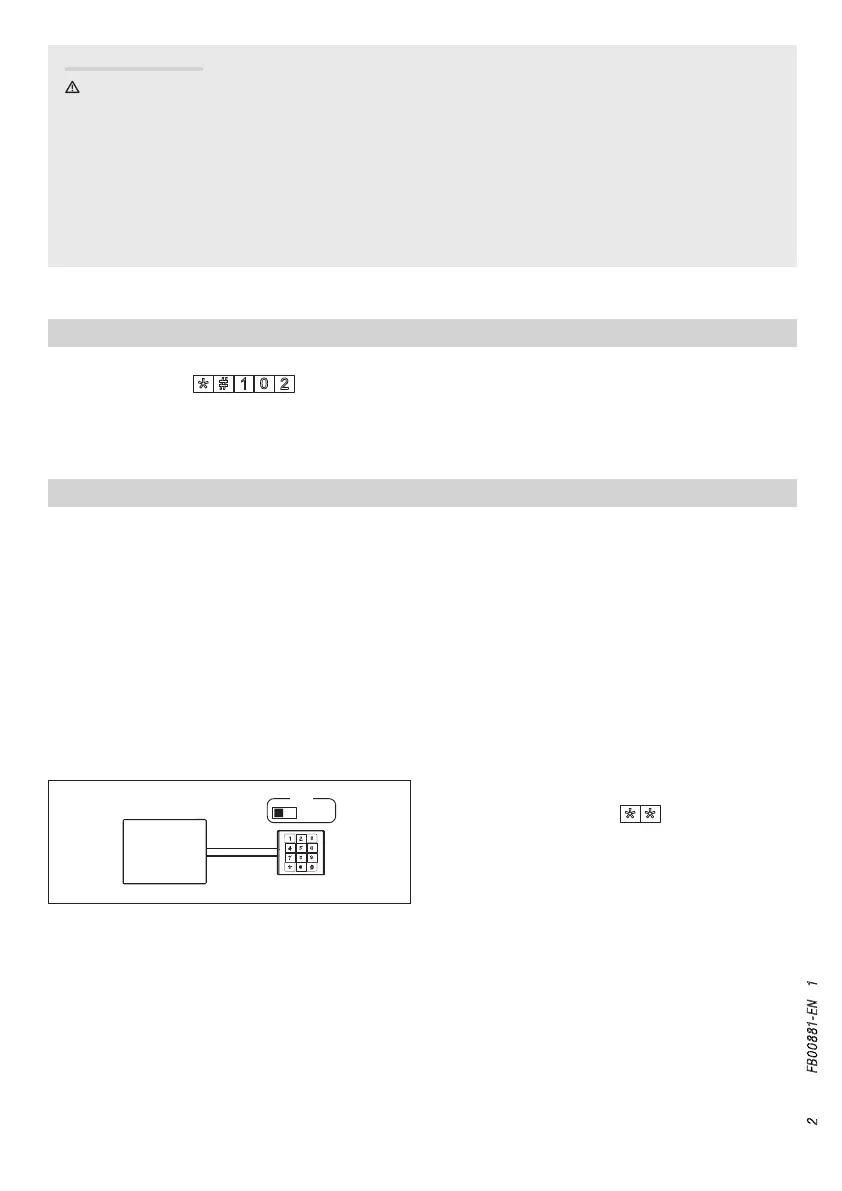
MASTER
VAS/101
p. 2 - Manual FB00881-EN v. 1- 09/2017- © Came S.p.A. - The contents of this manual may be changed, at any time, and without notice.
Use codes to access the programming functions. During a programming functions, the red light strip flashes every
two seconds for an amount of times that corresponds the first digit of the programming code (when changing the
password, the code is 10, and the light alert will flash once).
At the end of each correct procedure, a long beep will act as confirmation, while a wrong procedure will cause
three short beeps to sound o.
To enter the programming, type the Master code (the de-
fault one is 0000) and press
. The lower light strip
on the keypad turns red to confirm that you have entered
the programming mode.
General Precautions
• WARNING! Important people-safety instructions: READ CAREFULLY!
• Installing, programming, commissioning and maintenance must only be done by qualified, expert sta and in
full compliance with the applicable law.
• Wear antistatic protective clothing when working on the control board.
• Keep these precautions.
• Always cut o the mains power when doing cleaning and maintenance jobs.
• This product must only be used for its specifically intended purpose. Any other use is dangerous.
• The manufacturer declines all liability for any damage as a result of improper, incorrect or unreasonable use.
RESTORE FACTORY DEFAULT
To restore the MTMNA module to its factory settings, disconnect the power supply and then power up the module
again. Enter the code
within 1 minute.
This phase is characterized by the button-lighting flashing: the device, is in any case, working.
PROGRAMMING IN MASTER MODE
The device requires the numerical access codes to be associated to users. This enables the subsequent removal
of all of the numerical codes associated to a user for each relay-switch.
USER ID: A user is characterized by a an ID included between 1 and 999.
USER CODE: An alphanumerical access code that is between four and eight digits long and which can activate
either one or both relays
You can associate several codes to each user. The number codes must all be dierent.
Up to 3,500 number codes can be assigned.



 To Next Page
 Loading...