MEDIA PLAYBACK Cont’d
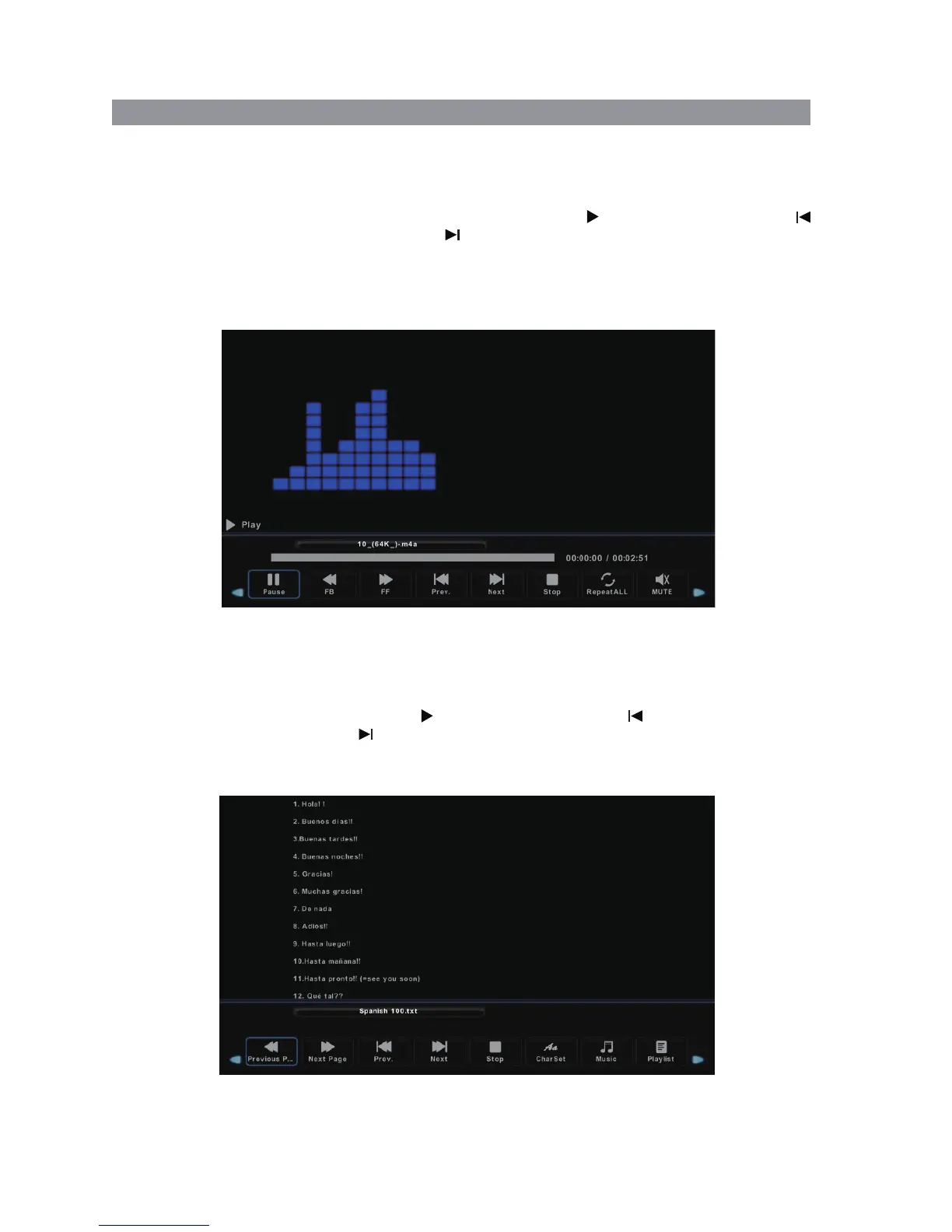
1. Select MUSIC with the buttons, and then press the OK button to enter sub_menu.◄ / ►
2. Select C:\, then press the OK button to select the USB drive.
3. Using the arrow keys, select a specific song, and press the button to play, press the
button to play the previous song, press the button to play the next song. Selecting
particular songs with the “OK” button will form a playlist of songs you want to play. Not doing
this will mean that all of the songs are played in order after your first selection.
4. Press the RED button to delete a selected song/track.
5. Press the Exit button to exit.
MUSIC PLAYBACK
TEXT VIEWER
1. Select TEXT with the buttons, and then press the OK button to enter sub_menu.◄ / ►
2. Select C:\, then press the OK button to select the USB drive.
3. Select the specific file, and press the button to play, press the button to
play the previous file, press the button to play the next file.
4. Press the RED button to delete the selected file.
5. Press the Exit button to exit.
27


 To Next Page