MOVIE PLAYBACK
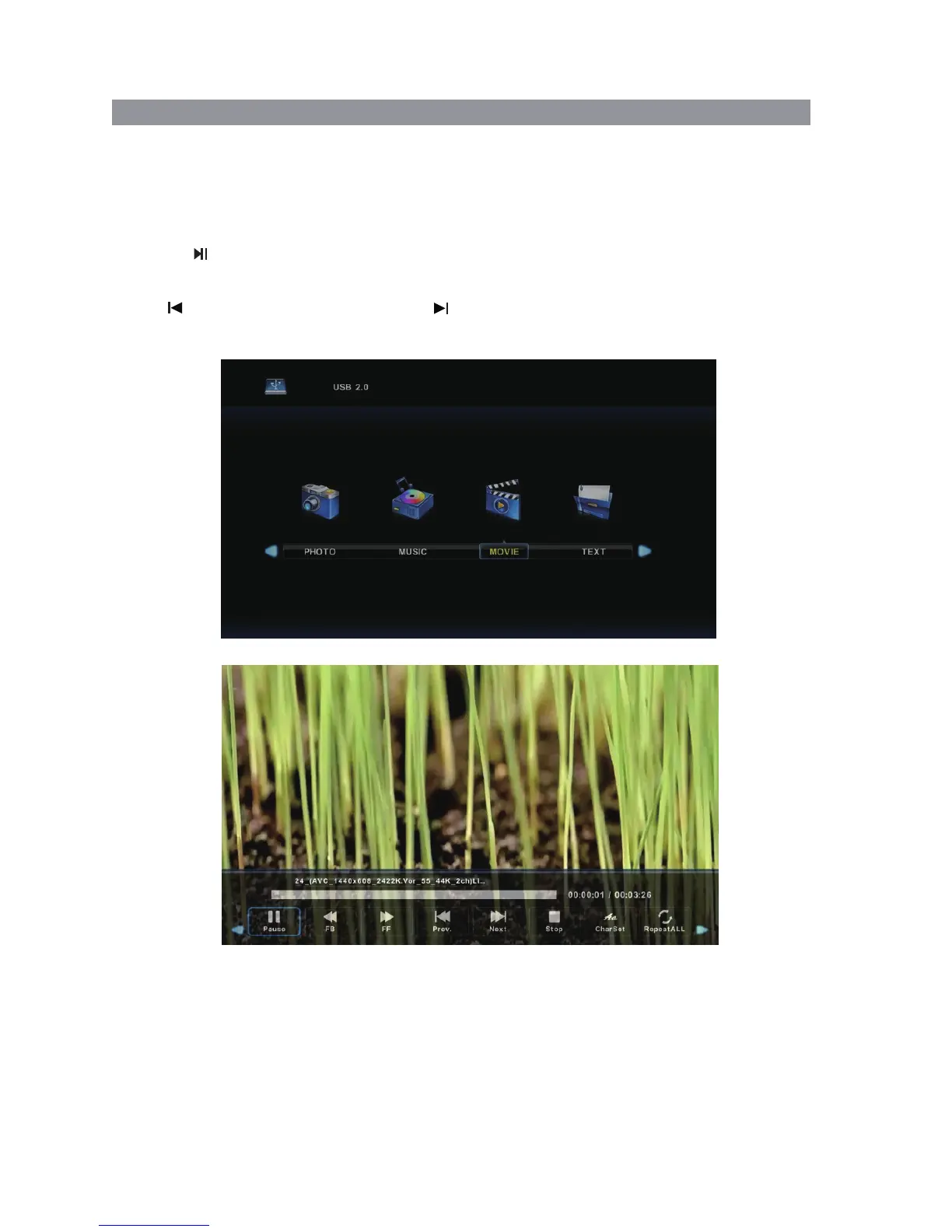
1. Select MOVIE with the buttons, and then press the OK button to enter sub menu.◄ / ►
2. Select C, then press the OK button to select the USB drive.
3. Highlight the specific video. When highlighted, the file information will be displayed and
a preview of the video will start playing in the middle of the screen.
Press the button to start playback.
To view the play menu, press DISPLAY on the remote and the play menu will be displayed
where you can select options such as repeating videos etc.
Select to play the previous title, select to play the next title.
4. Press the Exit button to exit.
MEDIA PLAYBACK Cont’d
28


 To Next Page