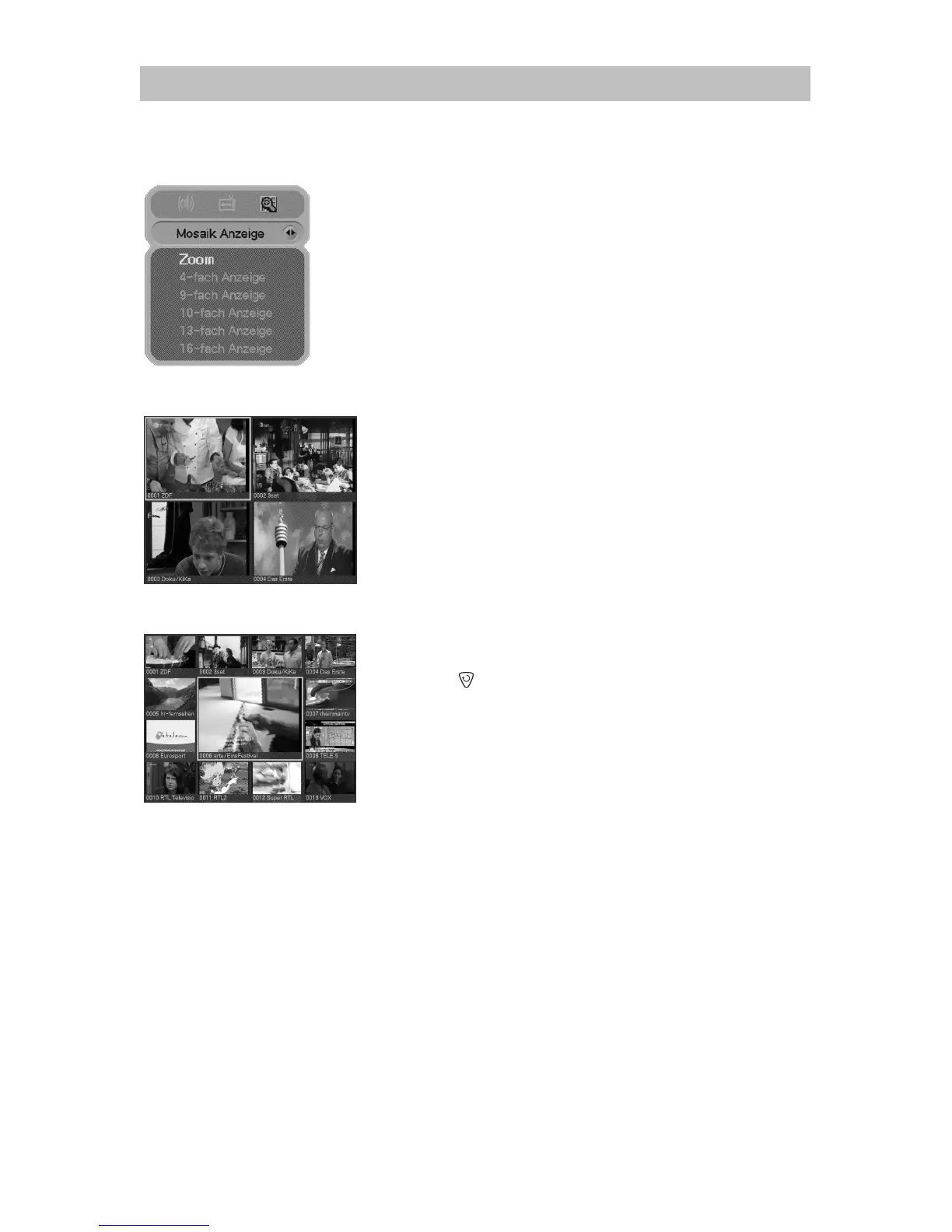
a) The mosaic screen gives you a brief overview about the current
programs.
b) Select the menu item mosaic mode by using the/button
firstly.
c) Select now the desired mosaic mode by using the /button.
d) The mosaic starts with the last used program and continues.
e) By using the/, /arrow keys you can choose a program
what has to be updated.
f) Press the
button to exit.
6. General Operation



 To Next Page