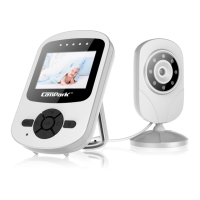
CameraSelected
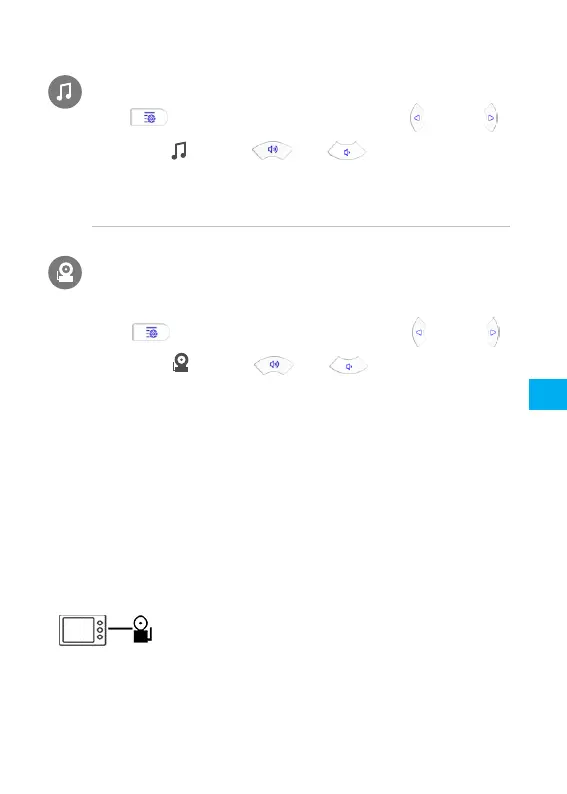
PressMenubuttontoentersetup,pressand
tochoose,pressandtochoosethechannel
youwanttowatch.Cam1/Cam2/Cam3/Cam4/Loopavailable.
Ifyouhaveconnectedthemonitorwithmultiplecameras.
PAIRTHECAMERAANDTHEMONITOR
Thecameraandthemonitorhavebeenpairedbeforepacking,sothere
isnoneedtopairthemforthefirsttime.
Incaseofanyaccidentaldisconnection,pleasefollowthepairing
procedureontopairthecameraandthemonitoragain.
PairaCameraandaMonitor
1.KeepthecameraconnectedtoDCpowersupply,andtheblueindicator
atthebottomison.TheMonitorispoweredoff.
LullabyPlayer
PressMenubuttontoentersetup,pressand
tochoose,pressandtochooseatuneto
play,1/2/3/4/Loop/OFF
EN
11



 To Next Page