Need help?
Do you have a question about the CAMPARK BM20 and is the answer not in the manual?
Instructions for powering the camera unit.
Instructions for powering the monitor unit.
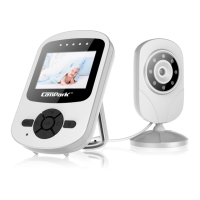
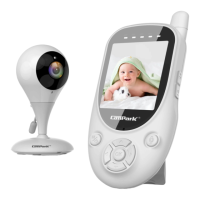
Details the components and functions of the camera unit.
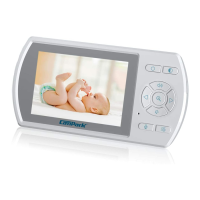
Details the components and functions of the wireless monitor unit.
Configure voice-activated monitoring, alerts, and sensitivity.
Configure music playback options and select tunes.
Set up timed alerts for feeding the baby.
Configure temperature monitoring and high/low alerts.
Configure screen saver activation time and behavior.
Manage camera pairing, display modes, and deletion.
Enable or disable automatic cycling through connected cameras.
Select and view a specific camera channel.
Remove a paired camera from the monitor system.
Pair a new camera to the monitor.
Resolve howling or whistling sound caused by acoustic feedback.
Steps to diagnose and fix missing video feed.
Troubleshoot poor video or audio quality due to interference.
 General
| Brand | CAMPARK |
|---|---|
| Model | BM20 |
| Category | Baby Monitor |
| Language | English |

 To Next Page