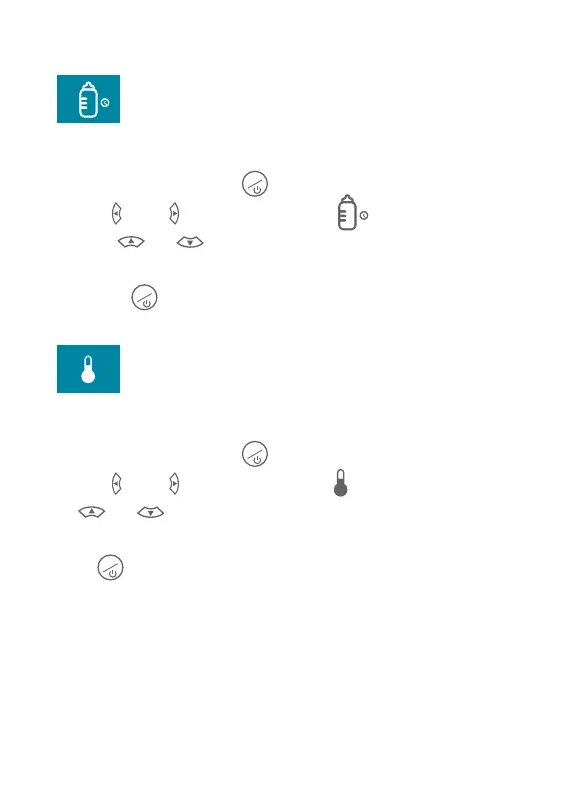
Feeding Reminder
InLiveViewmode,shortpressMENUbuttontoenterSetupMenu,Press
theleftandRightbuttontoselectFeedingRemindersetup.
PressUPandDOWNtoturnONtheFeedingReminderfunction
andadjustremindertime,thenpressOKbuttontoconfirmchange.
ShortpressMENUbuttonagaintoexitSetupMenu.
M
OK
M
Temperature Setup
InLiveViewmode,shortpressMENUbuttontoenterSetupMenu,Press
theleftandRightbuttontoselectTemperaturesetup.Press
UPandDOWNtochoosetheTemperatureunitandadjustthe
Temperaturewarning,thenpressOKbuttontoconfirmchange.Short
pressMENUbuttonagaintoexitSetupMenu.
M
OK
M
Temperature Warning
Setupthehightemperatureandthelowtemperaturetoactivatethe
TemperatureWarningfunction,withthisfunctionon,themonitorwillprompt
warningsoundwhenthecameradetectsthetemperatureislowerthanthe
presetlowtemperatureorhigherthanthepresethightemperature.
11


 To Next Page