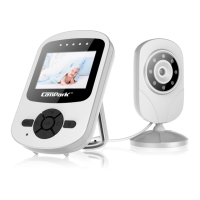
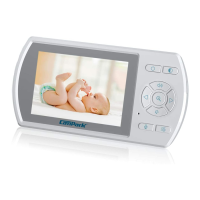
TurnontheMonitor
Themonitorismainlypoweredbytheinternalbattery,please
chargethemonitorbeforeusingitforthefirsttime.
PressandholdthePowerbuttononthemonitorfor3secondsto
poweronthemonitor,thenthemonitorwillentercameralive
viewautomatically.
NOTICE:
Thecameraandthemonitorwillbepairedbeforepacking,sothere
isnoneedtopairthemforthefirsttime.
Incaseofanyaccidentaldisconnection,pleasefollowthepairing
procedureonPage12-13topairthecameraandthemonitoragain.
HOWTOSTART
Poweronthecamera
Thecameraneedsconstantpowersupplytowork.Usetheincluded
ACadapter(DC5V)topowerthecamera.
Whenthecameraisproperlypowered,theblueindicatoronthe
thecamerawilllightup.
4


 To Next Page