3.Releasethepowerbutton,andimmediatelypressandholdthe
pairbuttonatthebottomofthecamera,Withinseconds,theblue
indicatoronthecameraflashesandtheliveviewwilldisplayonthemonitor.
.Ifpairedsuccessfully,thecameraliveviewwilldisplayonthemonitor.4
Iffailed,pleaseturnoffthemonitorandtryagain.
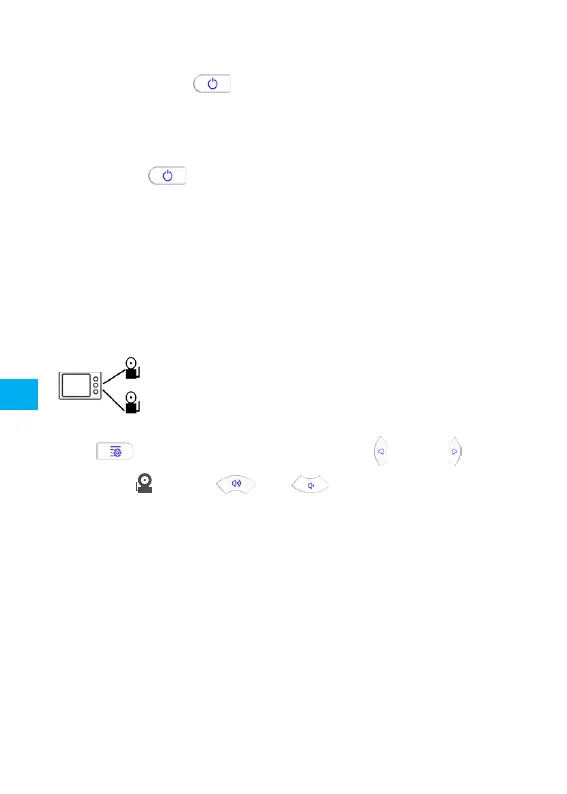
PairtheMonitorwithmorethanoneCamera
PressMenubuttontoentersetup,pressand
tochoose,pressandtochoosethechannelyou
wanttoconnectthecamera.
Poweroffthemonitorandfollowtheprocedureabovetopairthecamera.
Notice:
Evenconnectedtomultiplecameras,theMonitorwilldisplayone
cameraliveviewatatime,switchthechannelsintheSetupmenuto
watchdifferentcameras.
2.Pressandholdthepowerbuttononthemonitorfor6seconds,
untiltheblueindicatorflashesquicklyonthetoprightcorner,The
monitorenterspairingmode.
EN
12


 To Next Page