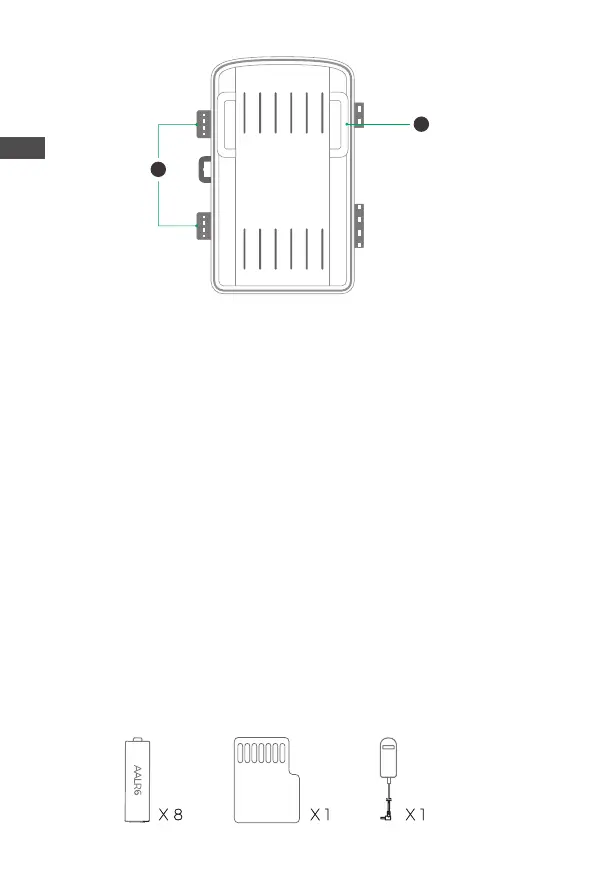
23.Locking brackets
24.Slot for mounting belt
▲ 1.The monitor is only switched on in the SETUP mode for changing
menu settings or viewing existing photos and videos.
2.A micro SD memory card must have been inserted into the memory
card slot to save photos and videos.
3.Using the mini USB connection (USB 2.0), the camera can be
connected to a computer to download photos and videos.
4.Using the mode switch, the three operating modes:OFF,SETUP and
ON can be selected.
4. PREPARING THE CAMERA
Note :
1.Micro SD memory cards up to a capacity of 32 GB are supported.
23
24
E N
4


 To Next Page