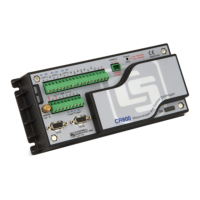
Connecting via USB or RS-232 3
12. Click Next.
13. Review the Communication Setup Summary. If you need to make changes, click the Previous
button to return to a previous window and change the settings.
Setup is now complete, and the EZSetup Wizard allows to you click Finish or click Next to test your
communication, set the datalogger clock, and send a program to the datalogger.



 To Next Page