1~12 and
VIP
100~250cm
3'03.5"~8'02.5"
165cm 25
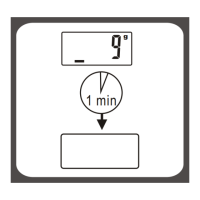
After selecting the prefered unit, the scale will be auto-off after 3 seconds.
Selected weight unit will be activated when the scale is turned on again.
When setting lb/st as weight unit, the default height unit is feet/inch;
When setting kg as weight unit, the default height unit is cm.
Remark: The unit system of scale depends on sales destination or the requirement of distributor.
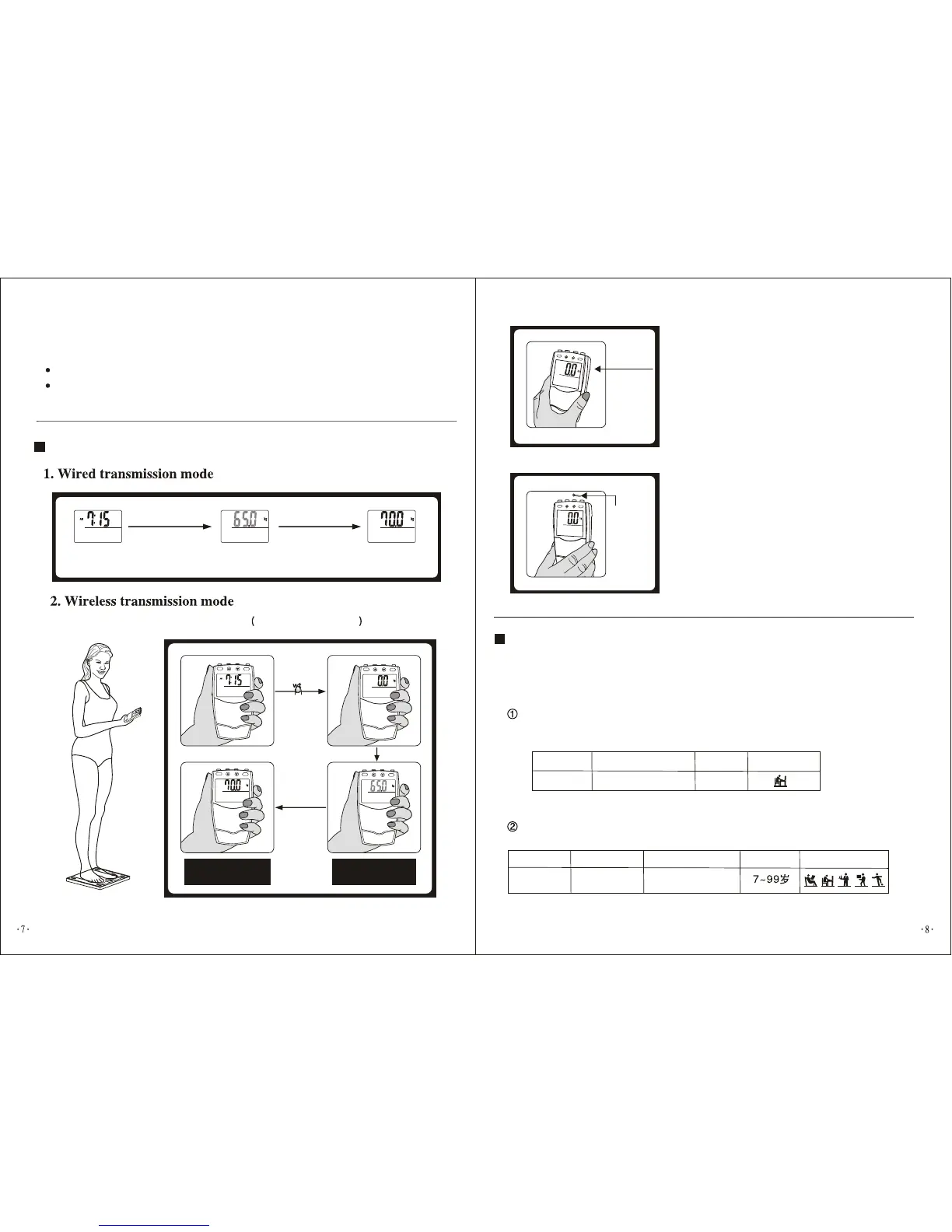
Automatically enter wired
weighing mode
To weigh
Weight reading stabilized
and shines for 3 times
Step onto the scale
platform directly
Step onto the
scale platform
Show instable weight
reading
Weight reading stabilized
and shines for 3 times
Press to enter
wireless weighing mode
""
B. You can weigh with read-out
display adsorbed to metal
surface .
C. You can weigh with read-out
display hanged on a nail on the
wall.
Metal surface
Nail
Fat/Hydration/Muscle/Bone/Calorie
Measuring Mode
(1) Setting personal parameters
Gender
Height Age
Female
At the first time when you install battery and switch on, all
default parameter are set as follow:
Parameters can be set in the following range:
Memory Gender
Height
Age
male/female
Real time display
A. To weigh under wireless transmission mode
Take EF932 as example
Activity level
Activity level



 To Next Page