20
User 1 can use his Master PIN to change the PINs of Users 1 - 6.
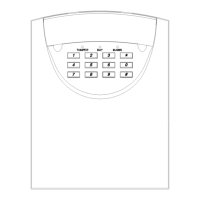
CHANGING A SYSTEM 236 USER PIN
Enter your master PIN, push
the key, enter the digit "0", then
push the # key.
0
MASTER PIN
REQUIRED
The POWER, SERVICE, and ARM lights will slowly flash.
.
Enter the User number (1 - 6), and push
the # key.
USER #
Enter that User's new PIN and push
the # key.
The new PIN must be four digits long.
.



 To Next Page