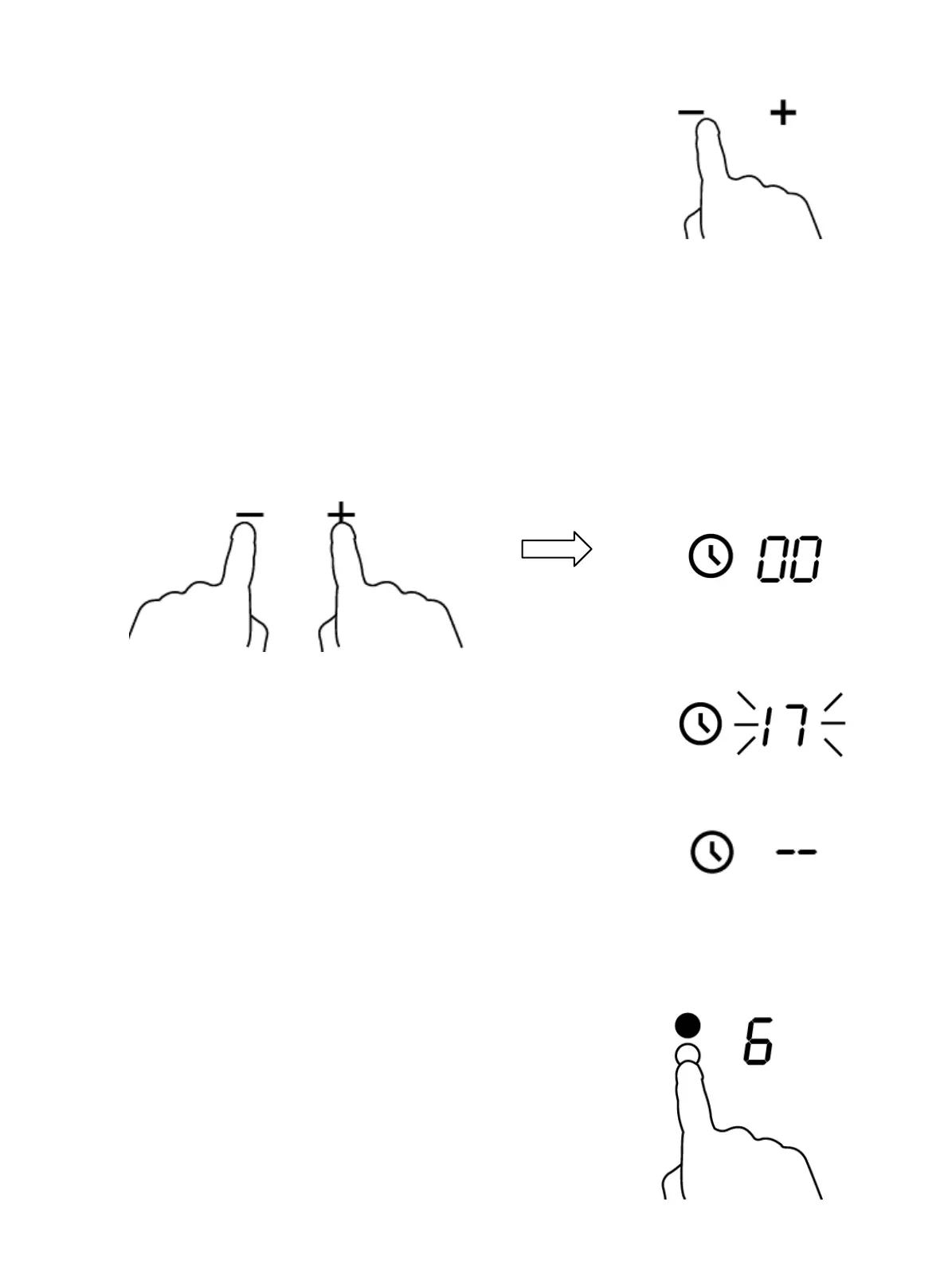
3. Set the time by touching the “-“ or “+” control
of the timer.
Hint: Touch the “-“ or “+” control of the timer
once to decrease or increase by 1 minute.
Hold the “-“ or “+” control of the timer to decrease or increase by 10 minutes.
If the setting time exceeds 99 minutes, the timer will automatically return to
00 minute.
4. Touching the”-“ and “+” together, the timer is cancelled, and the”00” will be
shown on the minute display.
5. When the time is set, it starts to count down
immediately. The display shows the remaining
time and the timer indicator flashes for 5 seconds.
6. Buzzer bips for 30 seconds and the timer
indicator shows “- - “ when the setting time will be
finished.
Setting the timer to turn one cooking zone off
1. Touch the heating zone selection control
that you want to set the timer for.


 To Next Page