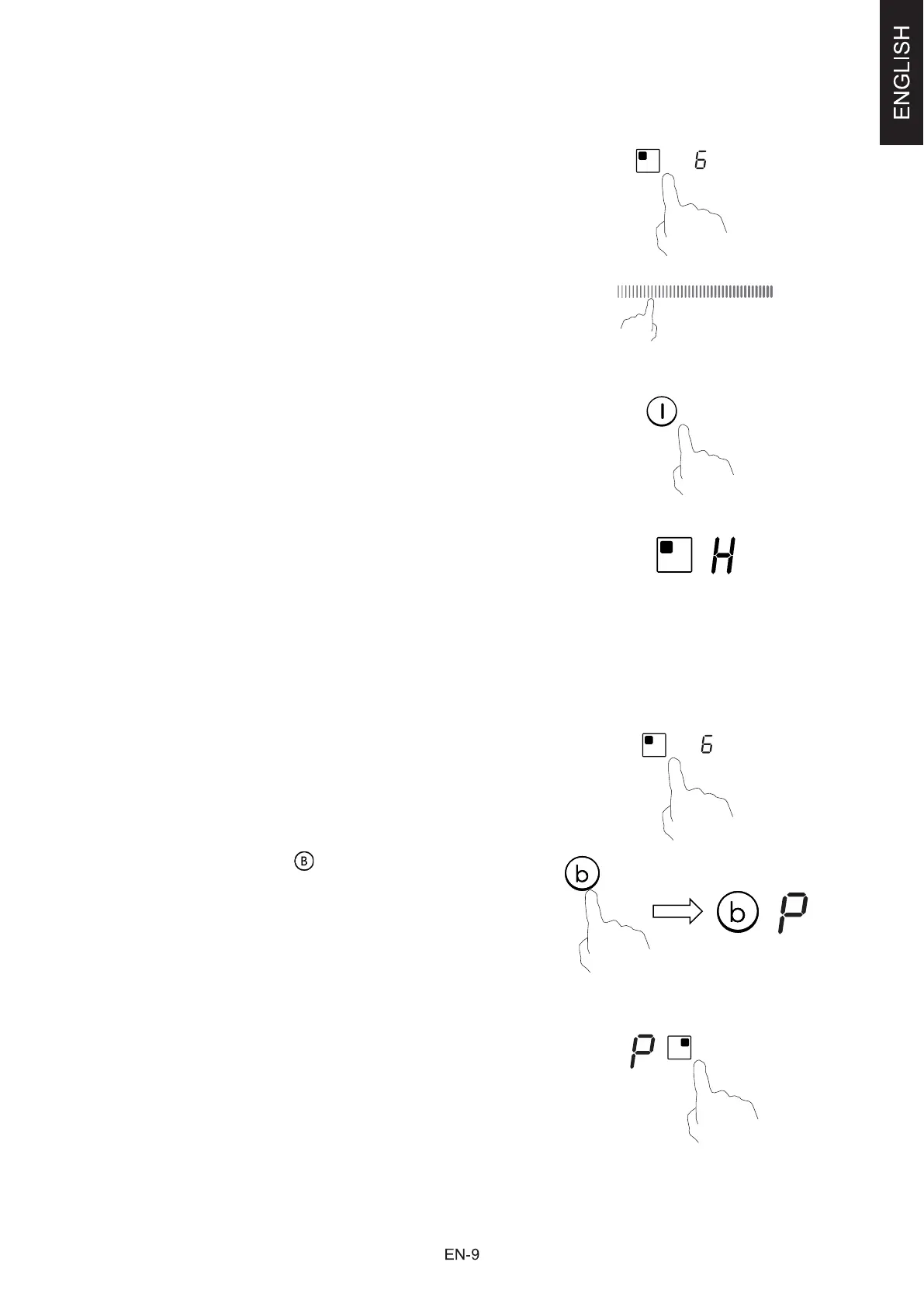
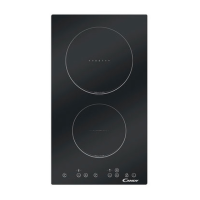
Finish cooking
Tou
ching the heating zone selection control that you wish
to switch off
Turn the cooking zone off by touching the slider to “|”.
Make sure the displayshows”0”
Turn the whole cooktop off by touching the ON/OFF
control.
Be
ware of hot surfaces
H will show which cooking zone is hot to touch. It will
disappear when the surface has cooled down to a safe
temperature. It can also be used as an energy saving
function if you want to heat further pans, use the
hotplate that is still hot.
Using the Boost function
Ac
tivate the boost function
Touching the heating zone selection control.
Touching the boost control , the zone indicator show
“P” and the power reach Max.
Cancel the Boost function
Touching the heating zone selection control that you wish
to cancel the boost function


 To Next Page