EN 09
3. Use of the Oven
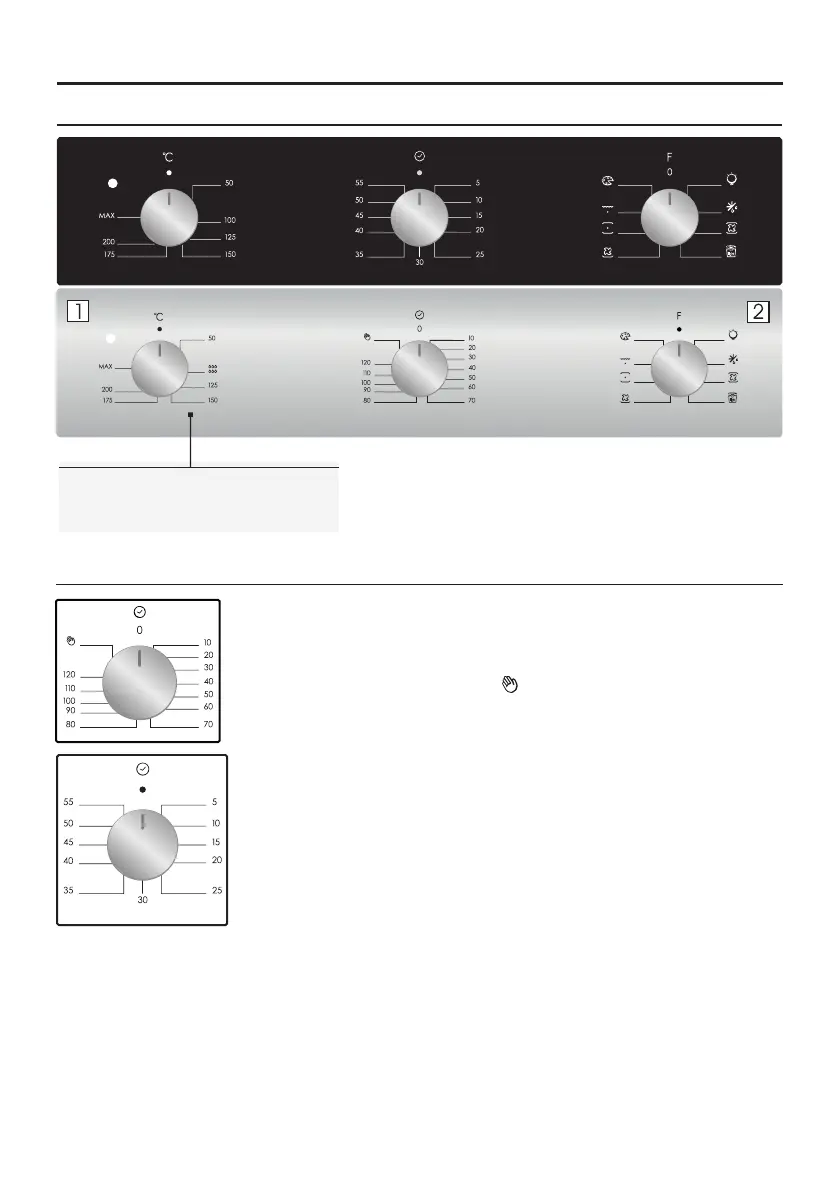
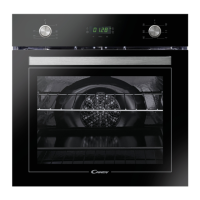
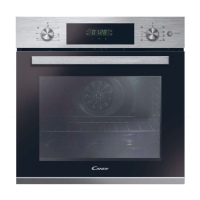
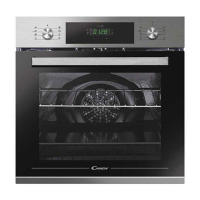
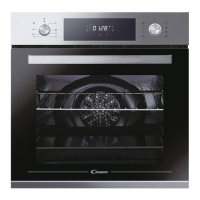
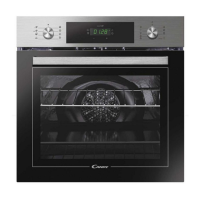
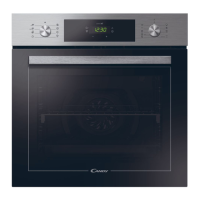
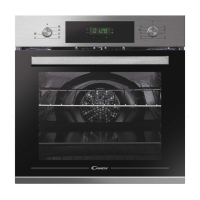
3.1 Display description
1. Thermostat selector knob
2. Function selector knob
This control enables to set the desired cooking time (max. 120 min.) the oven will
automatically switch off at the end of the set time.
The timer will count down from the set time return to the O position and switch off
automatically.
For normal use of oven set the timer to the position.
To set the oven ensure the timer is not on the O position.
3.2 Using the minute timer
To set the cooking time, turn dial one complete revolution and then position
the index to the required time. When the time has lapsed, the signal will ring
for a few seconds.


 To Next Page