OPERATION
GB
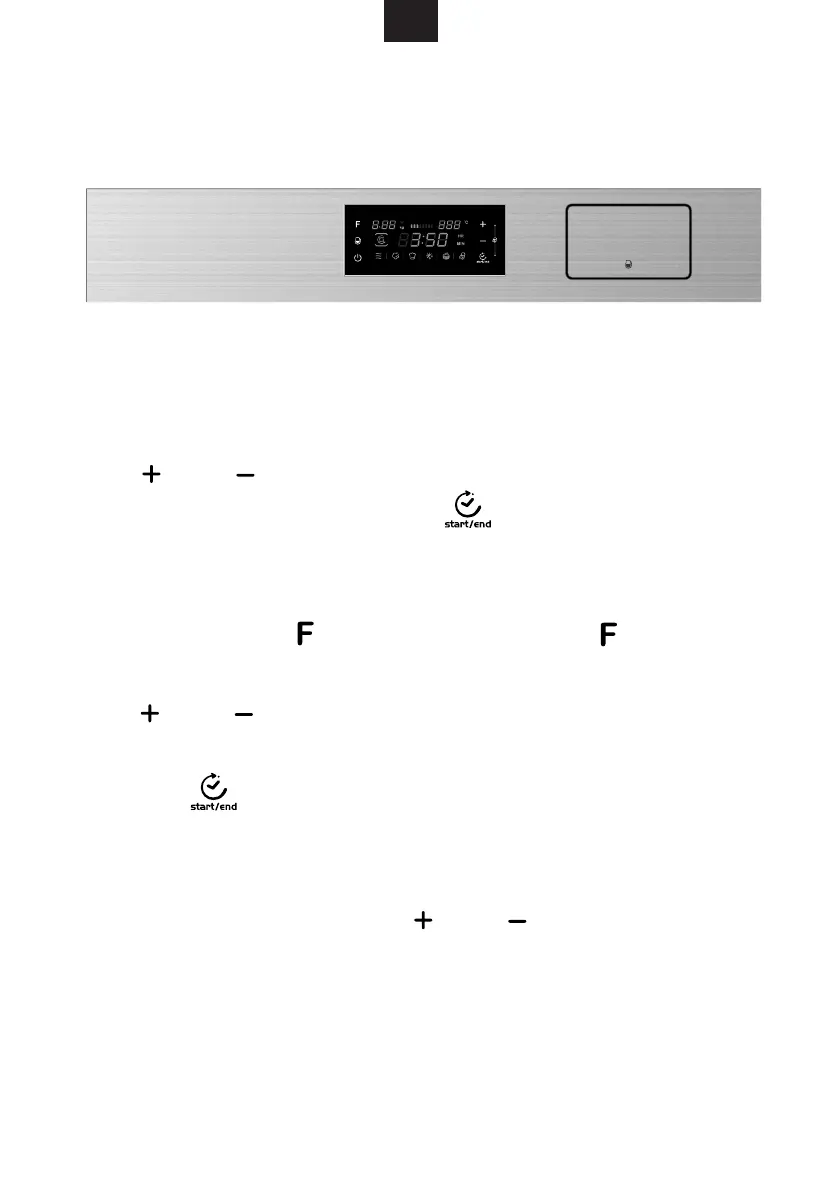
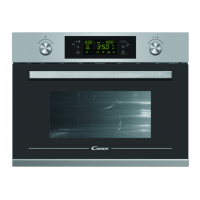
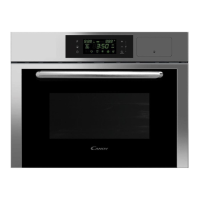
Control Panel
This oven uses modern electronic control to adjust cooking parameters
to meet your needs better for cooking.
When the steam oven is electrified, "00:00" will flicker, buzzer will ring once.
2) After you have set the right time, press " " to confirm the setting.
1.Clock Setting
1) to set the right time(between 00:00 and 23:59.)Press " " or " "
steam
If no pressing, it will confirm automatically 3 seconds later.
Clock Revise
to change time
If no pressing, it will confirm automatically 3 seconds later.
1) to enter into STEAM. Press " " once again
2)
3) Then press " " to confirm the setting
In waiting state, press " "
to find "CL" at the left corner in the display.
Press " " or " "
(between 00:00 and 23:59).
" "CL will disappear . after setting.
1) When you set the clock, long press " " or " " when adjusting 10MIN,
short press time (each time you adjust 1MIN).
Note:
2) Long press after a period of time, the touch panel will reset automatically, you
need to press again.
Downloaded from www.vandenborre.be


 To Next Page