GB
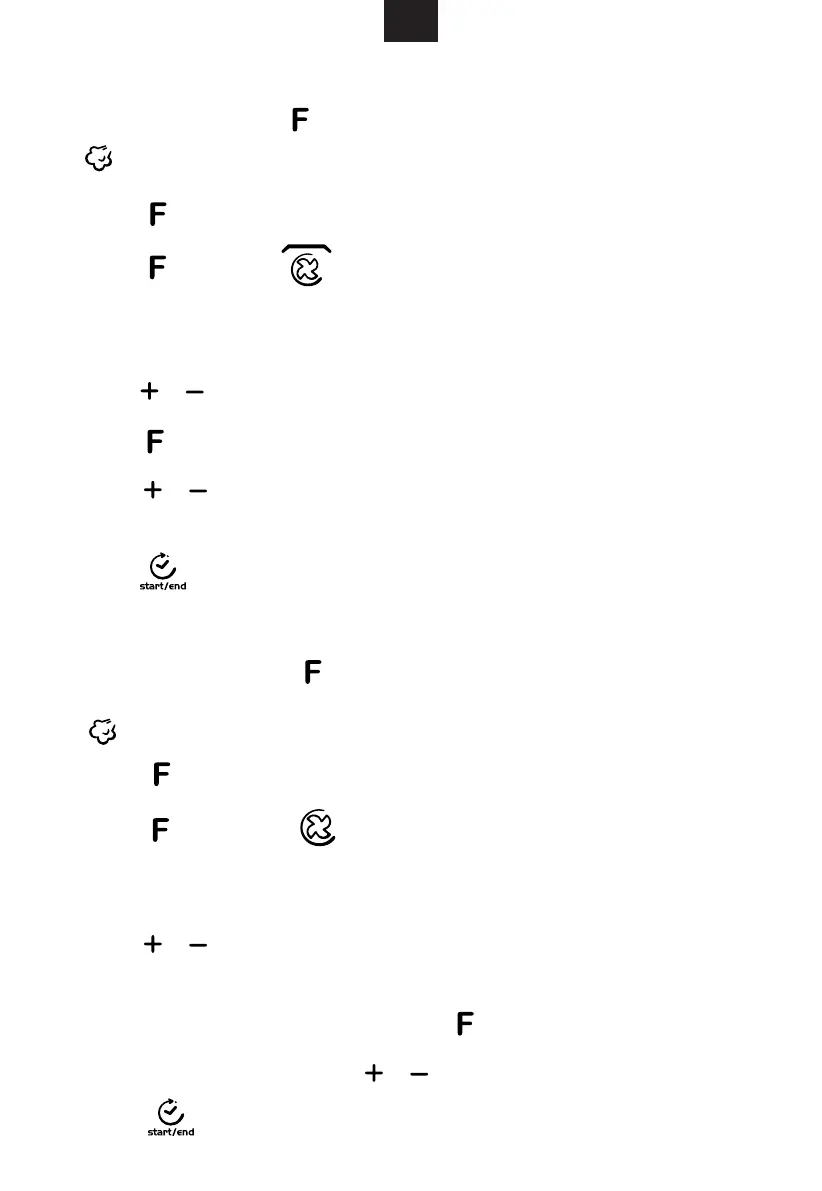
2. Grill Cooking
3. Convection Cooking
1) It flickers 100,
indicator lighten, “℃” and “MIN” lighten. Default cooking time “10:00” lighten.
Press repeatedly to change function.
2)Press repeatedly, indicator lighten. It means to enter Grill
function. "" M " indicator lights, default grill power “3” , default cooking time
“10:00” lighten.
3)Press / to revise grill power( 1,2,3). If no need, go to next step directly .
Press / to select the cooking time (Max. 1hour 30 min), If no need, ignore
this step.
5)Press to start cooking.
1)
indicator lighten. “℃” and “MIN” lighten. Default cooking time “10:00” lighten.
Press repeatedly to change function.
2) Press repeatedly, indicator lighten. It means to enter
Convection function. “MIN” lighten and default temperature “180” flickers. Default
cooking time “10:00” and “℃”lighten.
3)Press / to select temperature. The temperature are 50,100,105,110,115,
120, 125, 130, 135, 140, 145, 150, 155, 160, 165, 170, 175, 180, 185, 190, 195,
200, 205, 210, 215, 220, 225, 230.
4)When cooking time flicker, press / to select cooking time. Max. 5 hours.
5)Press to start cooking.
Press to next step.
flickered
In waiting state, press to enter steam function.
4)Press to enter the cooking time adjustment state.
In waiting state, press to enter steam function. It flickers 100,
IN
Downloaded from www.vandenborre.be


 To Next Page