GB
Note:
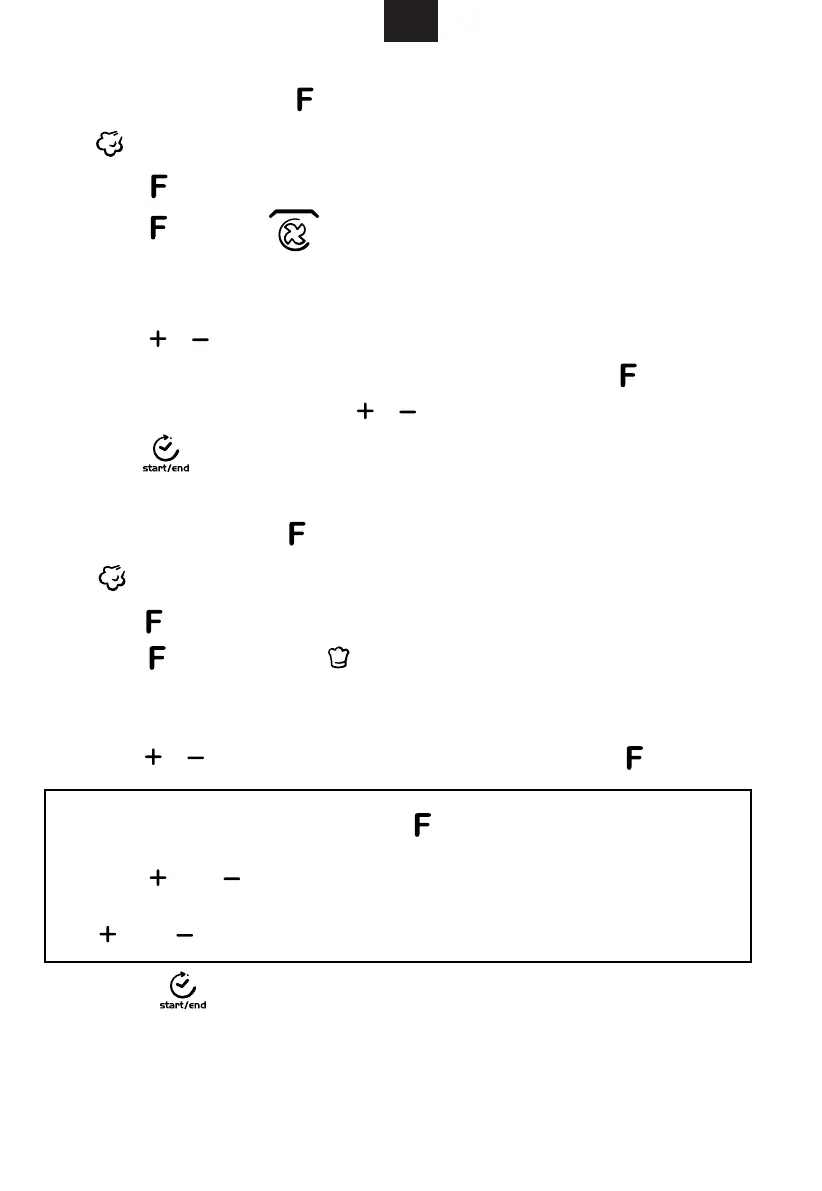
1) For non-steam menu (P01-P12), press " " to confirm menu selection and
enter the weight of menu selection state automatically, at this point, you can
press " " or " ", choose the automatic menu weight cooking time display.
2) For the steam menu, at this time, the default cooking time will flash, you can press
" " or " " to adjust the Cook time menu.
4. Grill Fan Cooking
5. Auto Cook
NOTE:
1) After steam auto menu, the water pump will withdraw the water back to water tank,
2) After steam auto menu, you need to clean the water on cavity and door panel.
there will be some noise sound.
indicator lighten . “℃” and “Min” lighten. Default cooking time “10:00” lighten.
Press repeatedly to change function.
2)Press repeatedly, indicator lighten. It means to enter Grill fan
function. “M lighten and default temperature “180” flickers. Default cooking time
“10:00” and “℃”lighten.
3)Press / to select temperature. The temperature are 35,100,105,110,115,
120,125,130,135,140,145,150,155,160,165,170,175,180.
4)When cooking time flicker, press / to select cooking time. Max. 5 hours
5)Press to start cooking.
Press to next step.
indicator lighten . “℃” and “M lighten. Default cooking time “10:00” lighten.
Press repeatedly to change function.
2)
function. Then “ K g” " MIN" " 0.2" lighten and default mode “P01” flickers, it means to enter
non-steam menu. When the mode is " S01"“, it means to enter steam menu.
3)Press / to select menu type (P01-P12 o r S01-S36).
Press to next step.
4) Press " " button to start cooking.
1)In waiting state, press to enter steam function. It flickers 100,
1) It flickers 100, In waiting state, press to enter steam function.
IN
IN
Press repeatedly, when indicator lighten, it means to enter Auto Menu
Downloaded from www.vandenborre.be


 To Next Page