GB
6. Defrost
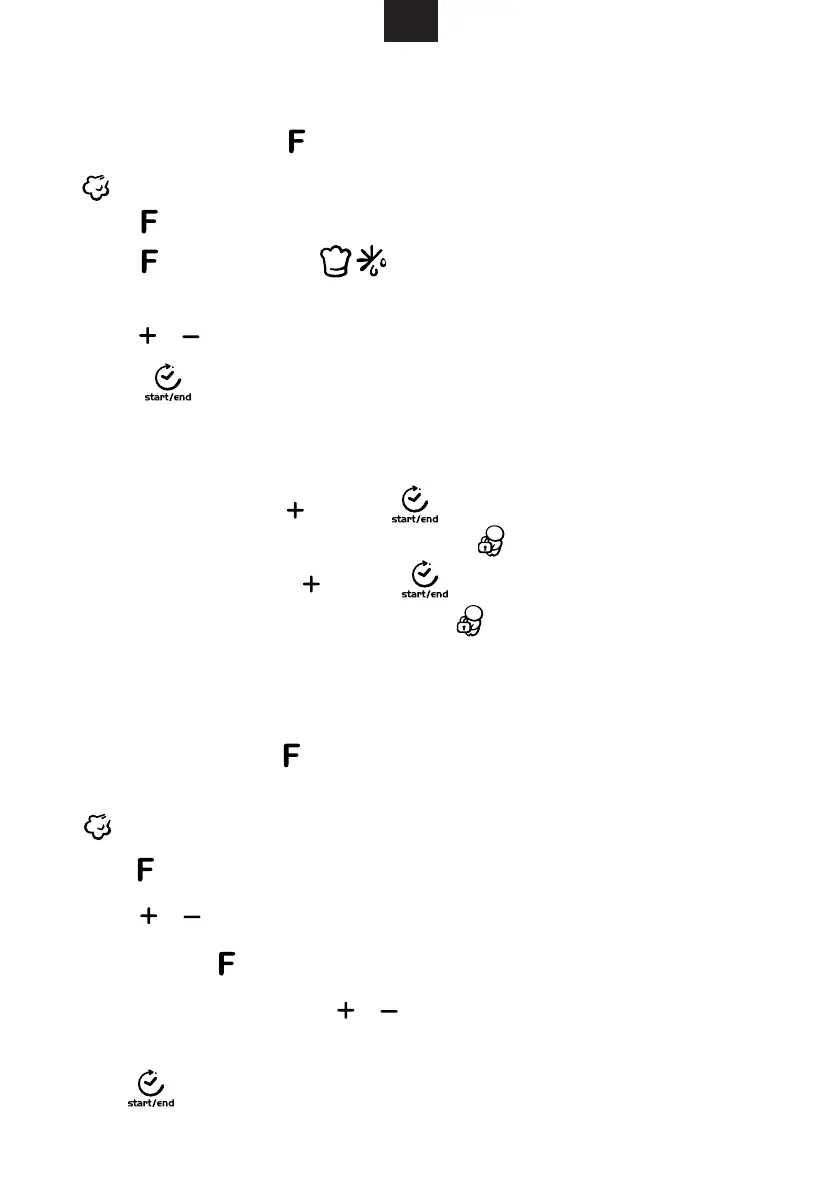
8. Steam Function
indicator lighten. “℃” and “MIN” lighten. Default cooking time “10:00” lighten.
Press repeatedly change function.
2)Press / to select steam temperature, the temperature are (100, 90, 80, 70,
60, 50).
3)When cooking time flicker, press / to select cooking time. Max. 1 hour and
30 mins.
4)Press to start cooking.
Press to next step.
indicator lighten . “℃” and “M lighten. Default cooking time “10:00” lighten.
Press repeatedly to change function.
2)Press repeatedly, when indicator lighten, it means to enter D frost
function. Then “ K g” " MIN" 0.1" and default mode “dEF ”
3)Press / to select defrost
4) Press " " button to start cooking.
weight (100-1000g).
Lock: In waiting state, press "
denoting entering into the children-lock state and " " indicator will light.
Unlock : In locked state, press "
"beep" denoting that the lock is released, and " " indicator will disapear.
. Lock-out Function for Children
" and " " for 3 seconds, there will be a long "beep"
" and " " for 3 seconds, there will be a long
7
lighten," lighten.flickered
1) It flickers 100, In waiting state, press to enter steam function.
IN"
1) It flickers 100, In waiting state, press to enter steam function.
e
Downloaded from www.vandenborre.be


 To Next Page