GB
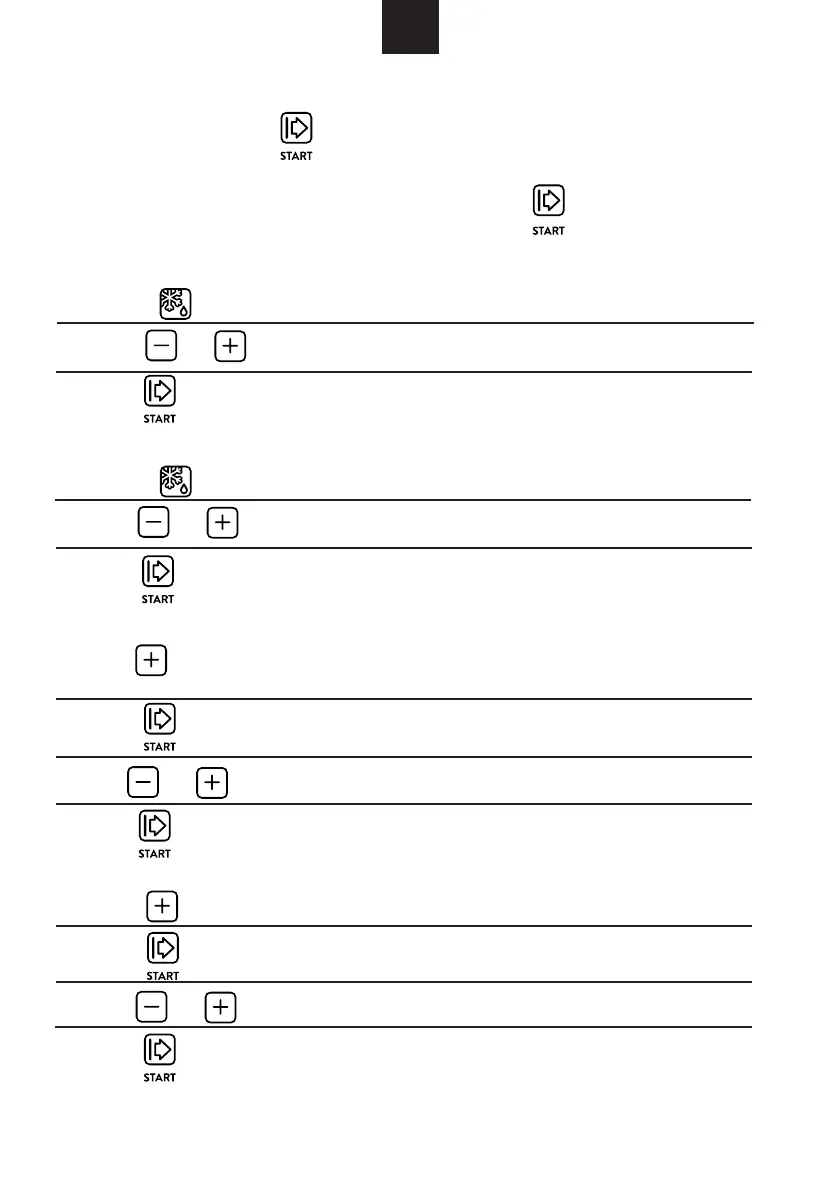
1) Press " " twice, and the oven will display "dEF2".
2) Press to select the defrost time.
3) Press "
" to start defrosting.
1) Press " till "A-6" displays.
Example: If you want to use "Auto Menu" to cook fish for 350g.
2) Press "
" to confirm.
2) Press " " to confirm.
3)Press
"
" to choose the default weight as the menu chart.
4) Press "
" to start cooking.
1) Press " " once, and the oven will display "dEF1".
2) Press to select the weight of food from 100 to 2000 g.
3) Press " " to start defrosting.
1) In waiting state, press "
" to start cooking with 100% power,
each added press will increase 30 seconds cooking time up to 95 minutes.
2) In microwave, grill, combi. cooking, each press of
can increase 30 seconds of cooking time.
4. Quick Start
6. Defrost By Time
7. Auto Menu
5. Defrost By Weight
3) Press
"
.
4) Press "
" to start cooking.
1) Press to choose the menu, and "A-1" to "A-8" will display, which
means pizza, meat, vegetable, pasta, potato, fish, beverage and popcorn.
s
"
"
" "
o
r
"
"
" "
o
r
"
"
"
"
o
r
"
"
"
o
r
"
"
" to select the weight of fish till "350" display


 To Next Page