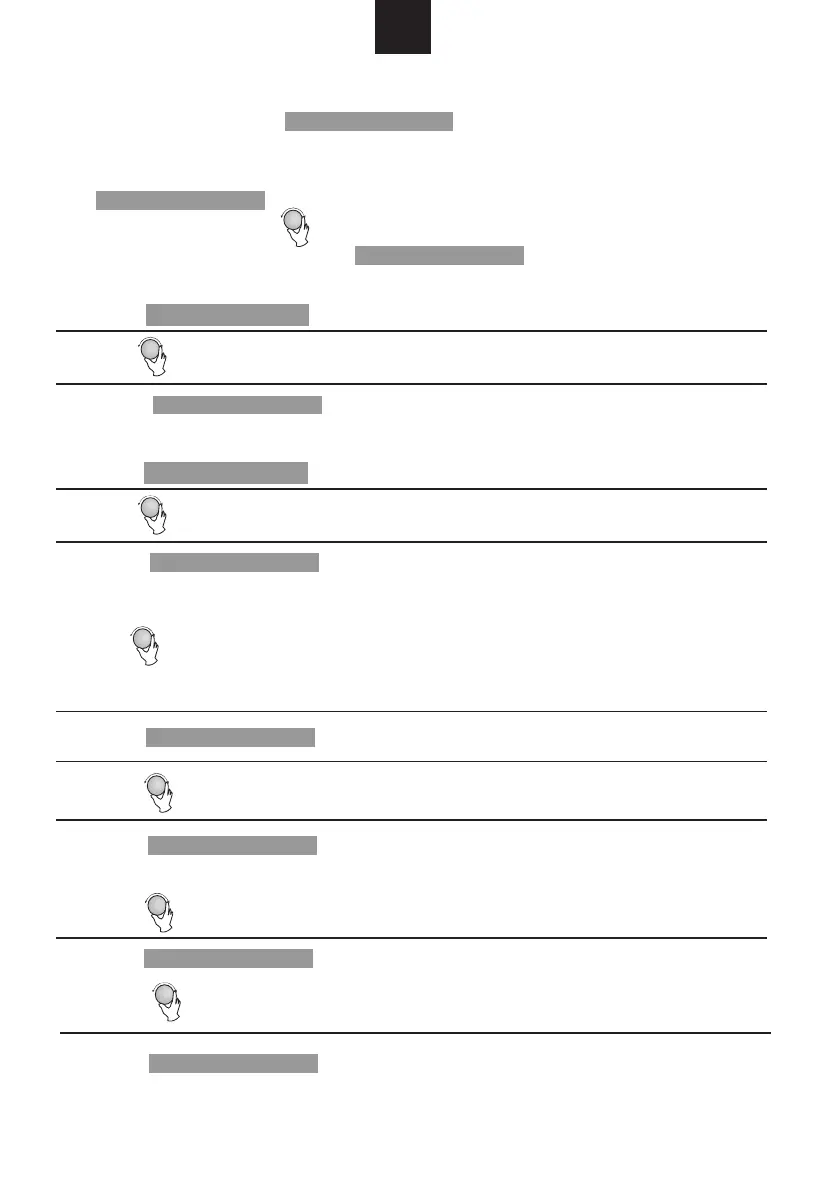
1) Press " " twice, and the oven will display "dEF2".
2) Turn " " to select the defrost time.
3) Press " " to start defrosting.
Example: If you want to use "Auto Menu" to cook fish for 350g.
2) Press " " to confirm.
2) Press " " to confirm.
3) Turn " " to choose the default weight as the menu chart.
4) Press " " to start cooking.
1) Press " " once, and the oven will display "dEF1".
2) Turn " " to select the weight of food from 100 to 2000 g.
3) Press " " to start defrosting.
1) In waiting state, Press " " to start cooking with 100% power,
each added press will increase 30 seconds cooking time up to 95 minutes.
2) In microwave, grill, combi. cooking or time defrost state, each press of
" " can increase 30 seconds of cooking time.
3) In waiting state, turn " " anti-clockwise to set cooking time with 100%
microwave power, then press " " to start cooking.
4. Quick Start
6. Defrost By Time
5. Defrost By Weight
Start/+30Sec./Confirm
Start/+30Sec./Confirm
Start/+30Sec./Confirm
Start/+30Sec./Confirm
Start/+30Sec./Confirm
Start/+30Sec./Confirm
Start/+30Sec./Confirm
Start/+30Sec./Confirm
GB
Weight/Time Defrost
Weight/Time Defrost
3) Turn " " to select the weight of fish till "350" display.
4) Press " " to start cooking.
Start/+30Sec./Confirm
Auto Menu
7.
means pizza, potato, meat, fish,vegetable, beverage, pasta, popcorn,chicken
and reheat.
1) Turn " " right to choose the menu, and "A-1" to "A-10" will display, which
1) Turn " " clockwise till "A-4" display.


 To Next Page