a. Press " " once, the screen display "P100".
b. Press " " once again or turn " " to choose 80% microwave
power.
8. Program set in Advance
1) Set the clock first. (Consult the instruction of clock setting.)
2) Input the cooking program. Two stages can be set at most.
Defrost should not be set as the cooking program.
Example: If you want to cook with 80% microwave power for 7 minutes, operate it as the
following:
GB
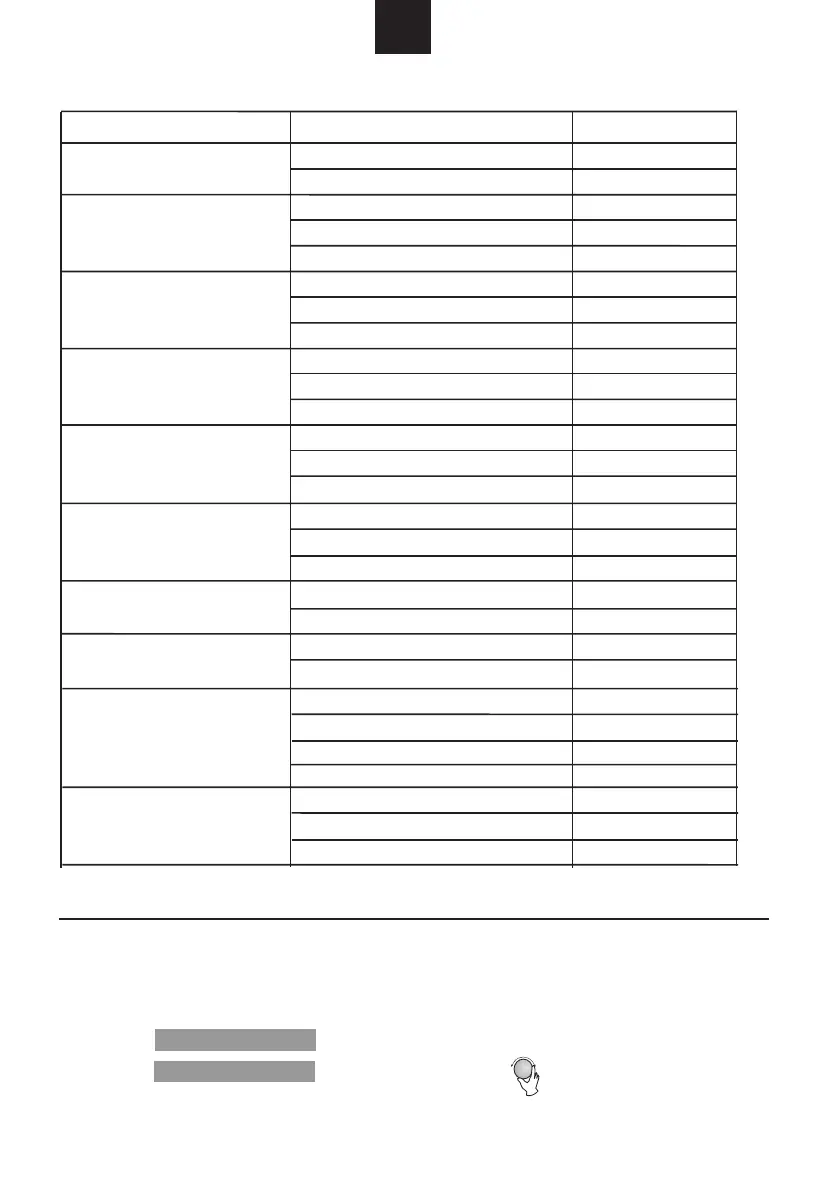
The menu chart:
Menu
Weight
Display
A-2
Potato
A-3
Meat
A-5
Vegetable
A-4
Fish
A-7
Pasta
A-6
Beverage
A-8
Popcorn
200 g
400 g
200 g
400 g
600 g
250 g
350 g
450 g
250 g
350 g
450 g
200 g
300 g
400 g
1cup(120ml)
2cup(240ml)
3cup(360ml)
50g(with 450ml cold water)
100g(with 800ml cold water)
50g
100g
200g
400g
600g
800g
200g
400g
600g
A-1
Pizza
200 g
400 g
200 g
400 g
600 g
250 g
350 g
450 g
250 g
350 g
450 g
200 g
300 g
400 g
1
2
3
50g
100g
50g
100g
200g
400g
600g
800g
200g
400g
600g
A-9
Chicken
A-10
Reheat
Micro./Grill/Combi.
Micro./Grill/Combi.


 To Next Page