EasyManua.ls Logo

Canon 110ED - Page 19

Canon 110ED
24 pages
Print Icon
To Next Page IconTo Next Page
To Previous Page IconTo Previous Page
Loading...
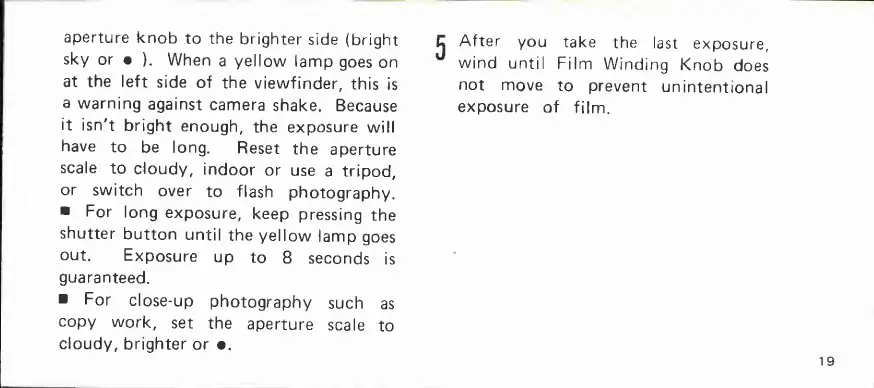
aperture
knob
to
the
brighter
side
(bright
sky
or
).
When
a
yellow
lamp
goes
on
at
the
left
side
of
the
viewfinder,
this
is
a
warning
against
camera
shake.
Because
it
isn't
bright
enough,
the
exposure
will
have
to
be
long.
Reset
the
aperture
scale
to
cloudy,
indoor
or
use
a
tripod,
or
switch
over
to
flash
photography.
For
long
exposure,
keep
pressing
the
shutter
button
until
the
yellow
lamp
goes
out.
Exposure
up
to
8
seconds
is
guaranteed.
For
close-up
photography
such
as
copy
work,
set
the
aperture
scale
to
cloudy,
brighter
or
•.
After
you
take
the
last
exposure,
wind
until
Film
Winding
Knob
does
not
move
to
prevent
unintentional
exposure
of
film.
19

Related product manuals