<Timer Settings>
1X57-08L
All the settings r
elated to the timer are listed with descriptions. Default settings are marked with a dagger (
).
<Date/Time Settings>(P. 185)
<Auto Sleep Time>(P. 186)
<Auto Reset Time>(P. 187)
Asterisks (
*
)
● Settings mark
ed with an asterisk (
*
) may be unavailable or vary or have different defaults depending on your
country or region.
<Date/Time Settings>
Specify date and time settings, including the date format and the 12- or 24-hour clock display setting.
<Date Format>
*
Select the date format (order of year, month, and day).
<YYYY MM/DD>
<MM/DD/YYYY>
<DD/MM YYYY>
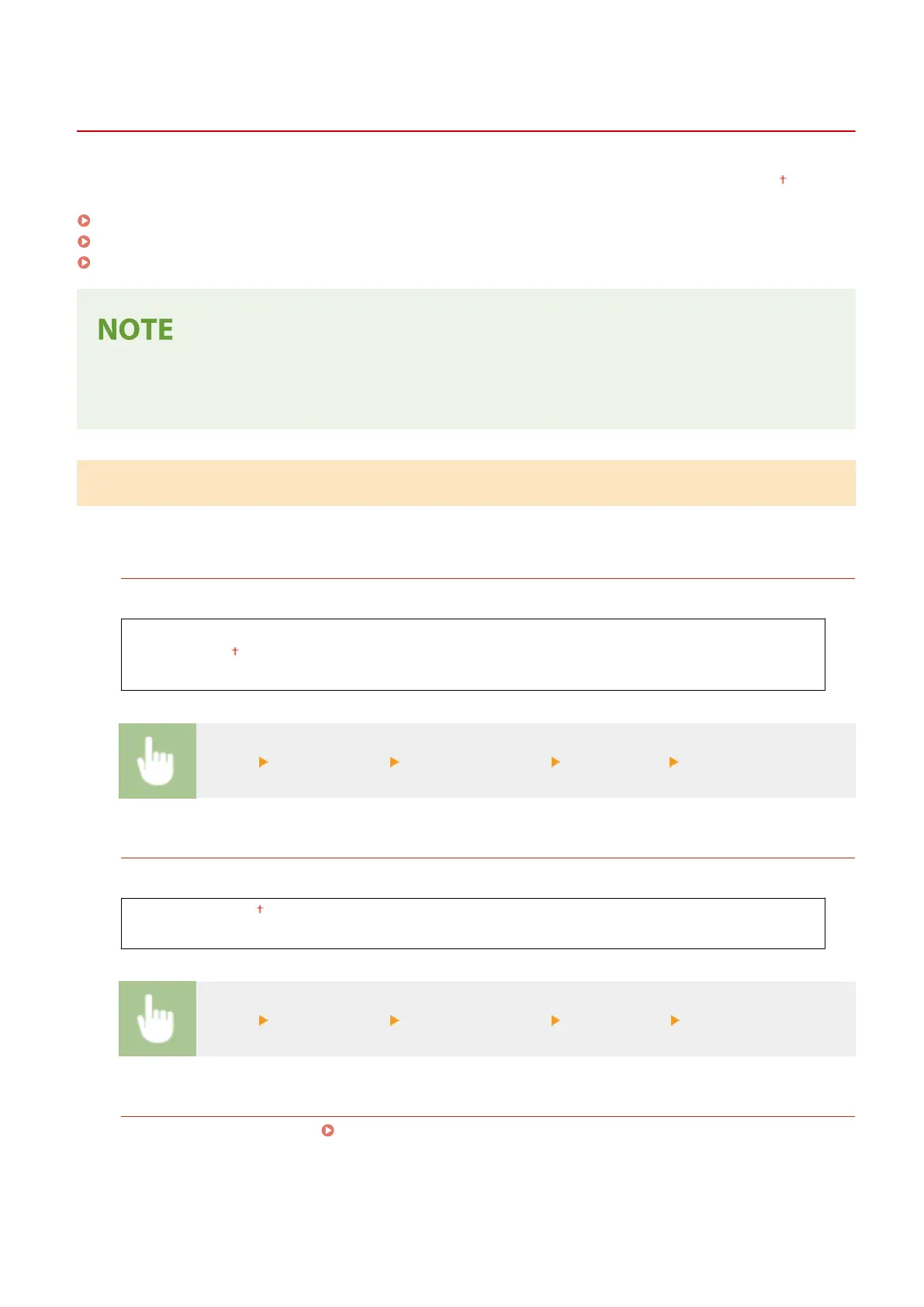
<Menu> <Timer Settings> <Date/Time Settings> <Date Format> Select the date format
<Time Format>
Select the 12- or 24-hour clock display setting.
<12 Hour (AM/PM)>
<24 Hour>
<Menu> <Timer Settings> <Date/Time Settings> <Time Format> Select the display setting
<Curr
ent Date/Time Settings>
Set the current date and time. Setting the Date/Time(P. 19)
Setting Menu List
185











 To Next Page