8
Scanning Procedures
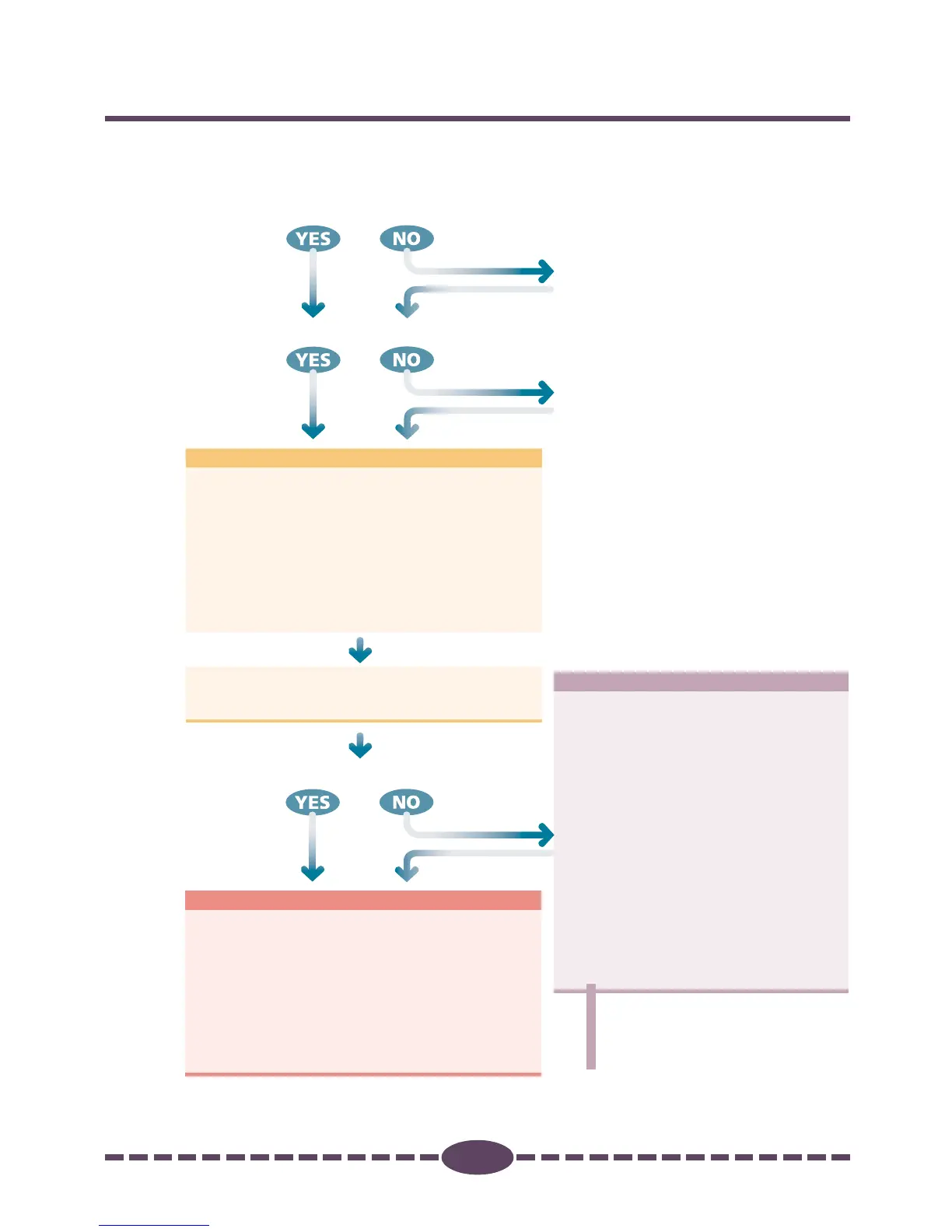
Follow these procedures to use Plug-in Module CS-U.
STEP 2
STEP 1
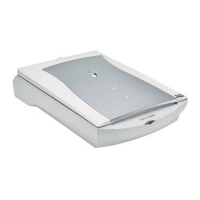
Is the scanner attached?
Prepare for Scanning ➜ p. 13
•
Position the Original
•
Preview
•
Select the Output Device
•
Set the Resolution and Magnification
•
Set the Scan Mode
p. 16
p. 17
p. 18
p. 19
p. 21
•
Set the Scan Area
•
Zoom
•
Scan
•
Save Scanned Images
•
Scan Film
If the current brightness
and color pose no problem,
there is no need to adjust
these settings.
Scan ➜ p. 29
Adjust and Edit Scanned Images
➜ p. 39
Verify the Image before Scanning
(Browser Window) ➜ p. 23
Are the Brightness and Color Satisfactory?
p. 30
p. 31
p. 33
p. 34
p. 35
•
Histogram
•
Tone Curve
•
Brightness and Contrast
•
Color Balance
•
Gamma Value
•
Threshold Value
•
Auto Tone (ColorSync
TM
)
•
Unsharp Mask
•
Descreen
•
High-Speed Scan Mode
p. 41
p. 44
p. 47
p. 49
p. 50
p. 52
p. 53
p. 54
p. 55
p. 56
Is Plug-in Module CS-U installed?
STEP 3
Refer to the scanner's
Quick Start Guide to
attach it.
Refer to the scanner's
Quick Start Guide to
install it.





 To Next Page