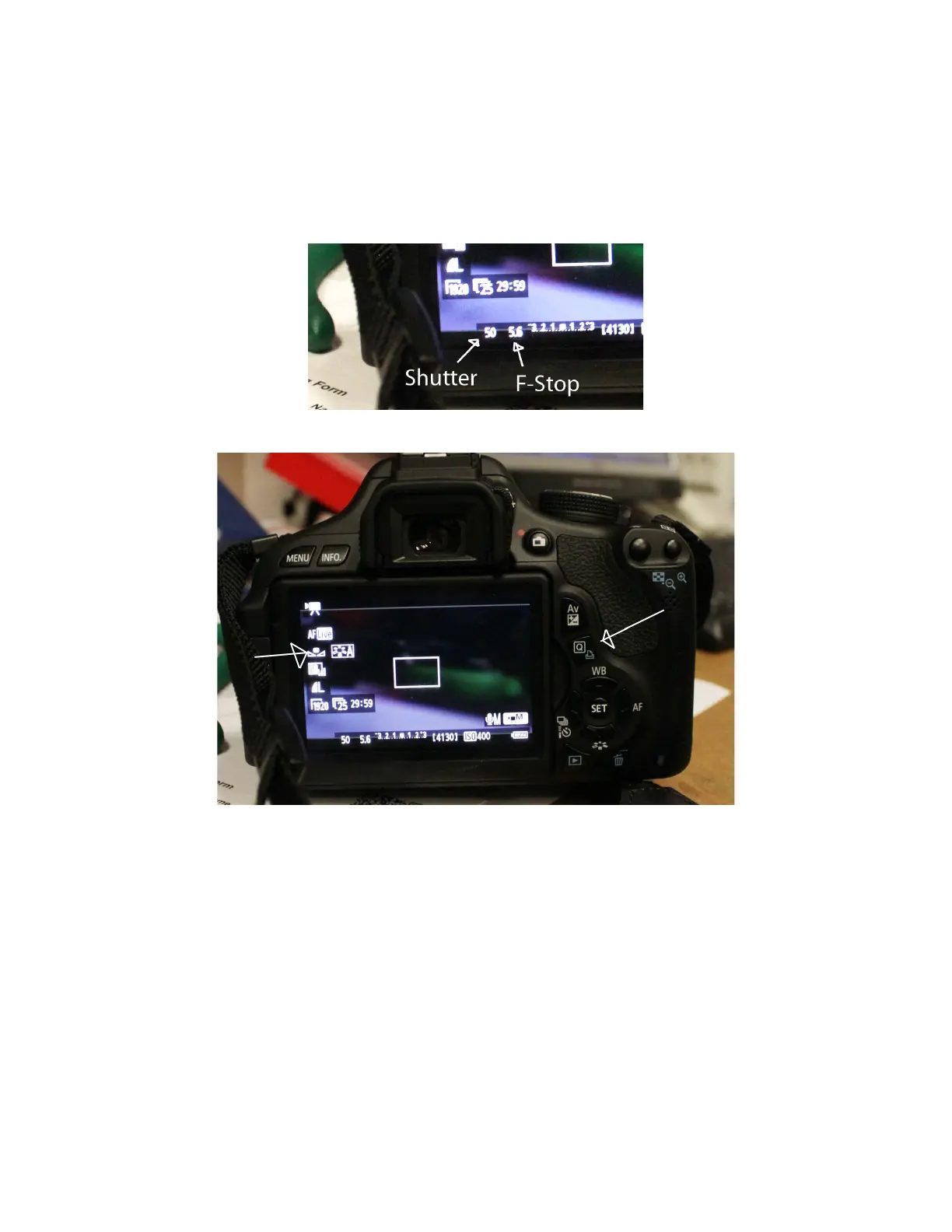
On the screen it will display your shutter speed, next to the F-Stop – for
1/50sec it should read 50 – as below.
SET the WHITE BALANCE
Push the “Q” key (next to AV) – the use the arrow and select keys below to
select the white balance symbol on the screen. It may be currently defaulted
to AWB rather then the bow tie symbol.
(You may need to press the INFO button to see all the icons on the screen)
It should open this menu:














 To Next Page