260Troubleshooting
Problems and Solutions
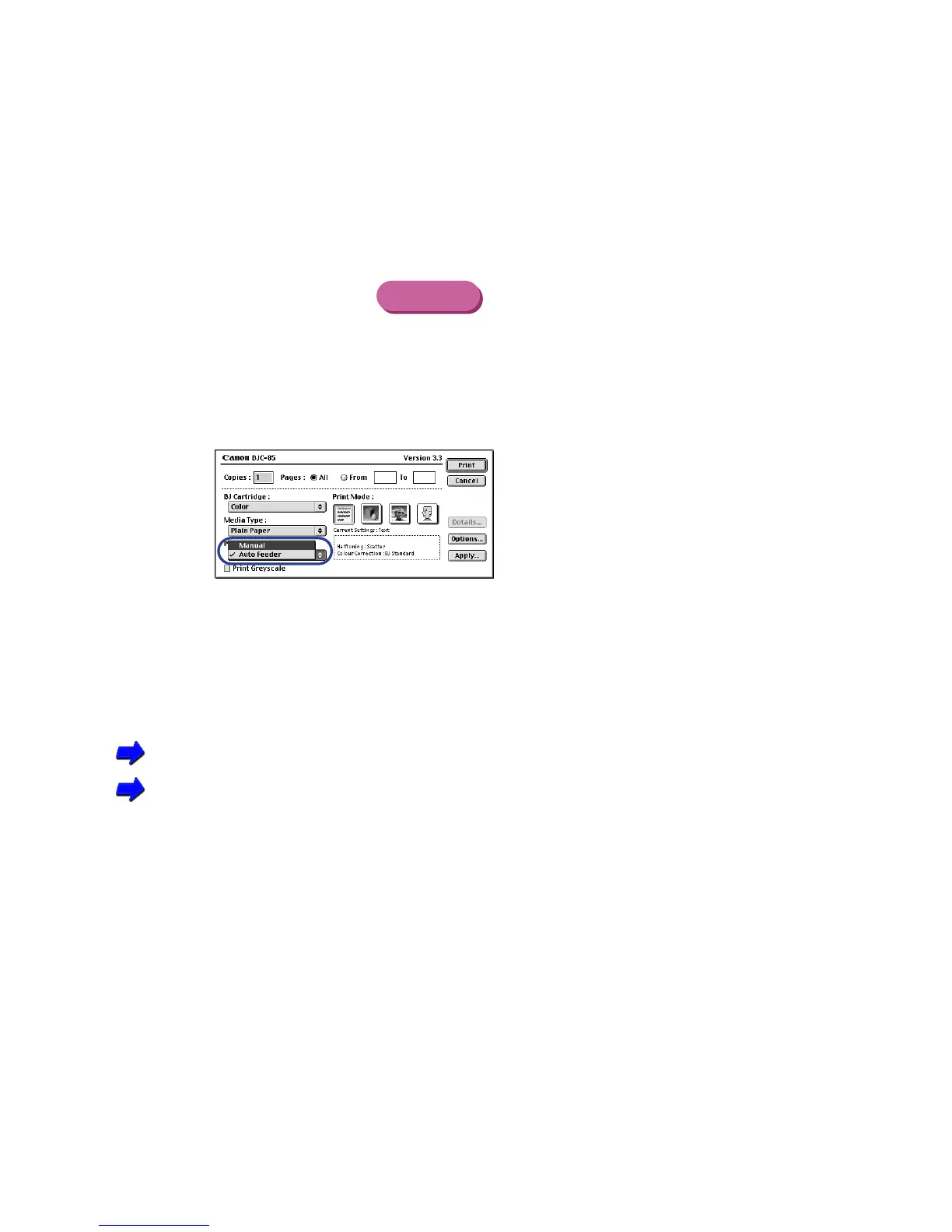
Selecting Manual Feed
1 From the File menu, select Print.
2 In the Print dialog box, click on the Paper Feed box or down-arrow and
select Manual from the pop-up menu.
■ Printing blurred or smudged
Determine if you are printing on plain paper with Print Quality set for Fine
Printing in the Fine mode could result in excess ink on the paper. Reduce the print quality to
avoid blurring or smudging.
Printing With Windows
Printing With Macintosh
Check to see if the paper thickness is within the specified thickness
Do not use paper thicker than 28 lb. (106 g/m
2
) to avoid blurring or smudging on the paper.
Macintosh



 To Next Page