EasyManua.ls Logo

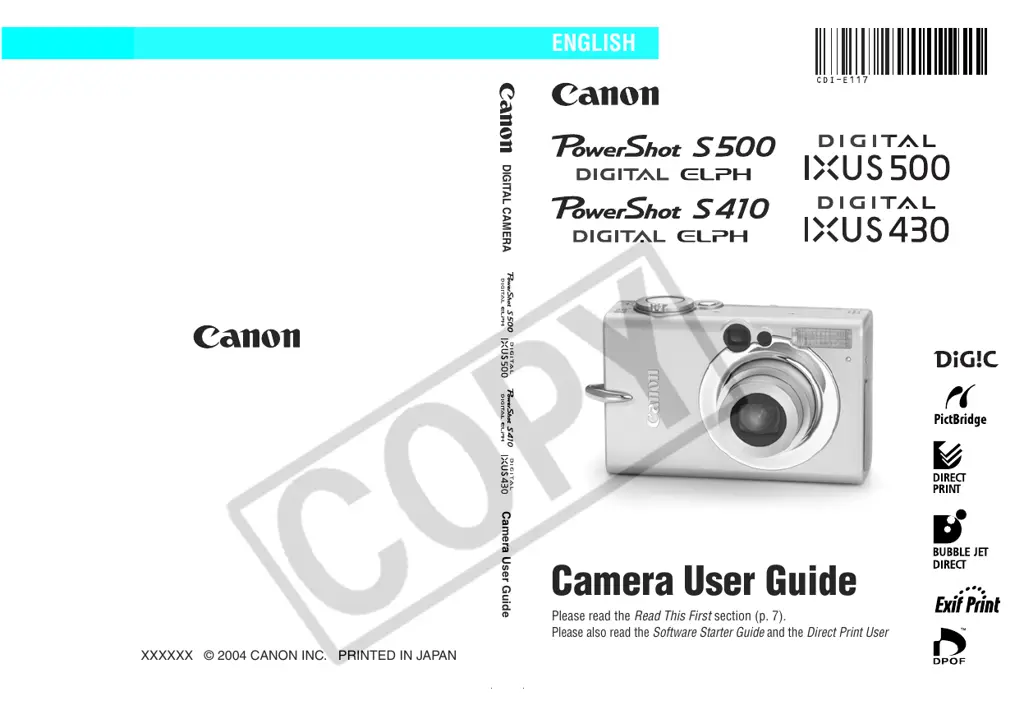
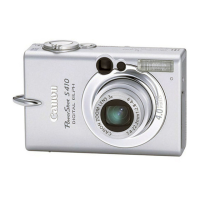
Canon Digital IXUS 500HS - User Manual

Canon Digital IXUS 500HS
163 pages
Print Icon
To Next Page IconTo Next Page
Loading...
DIGITAL CAMERA
Camera User Guide
Please read the Read This First section (p. 7).
Please also read the Software Starter Guide and the Direct Print User Guide.
CDI-E117-010 XXXXXXX © 2004 CANON INC. PRINTED IN JAPAN
Camera User Guide
ENGLISH

Table of Contents

Questions and Answers

  • R
    Roger GarciaAug 11, 2025
    Why my Canon Digital IXUS 500HS Digital Camera will not operate?
    • S
      Shelly WadeAug 12, 2025
      If your Canon Digital Camera won't turn on, there might be several reasons: * The power might not be on. Press the ON/OFF button briefly. * The battery or CF card slot cover might be open. Ensure both are securely closed. * The battery voltage may be insufficient. Try inserting a fully charged battery or using the AC Adapter Kit ACK500 (sold separately). * There might be poor contact between the camera and battery terminals. Wipe the terminals with a clean, dry cloth.
  • J
    Jaclyn DiazAug 22, 2025
    What to do if my Canon Digital IXUS 500HS will not record?
    • A
      Alexis MendozaAug 22, 2025
      If your Canon Digital Camera isn't recording, here are a few possible reasons and solutions: * The mode switch may be set to Playback. Slide the mode switch to the appropriate recording mode. * The flash might be charging. Wait until the flash is fully charged; the indicator light will turn orange, then press the shutter button. * The CF card may be full. Insert a new CF card, or download images to a computer and erase them from the card. * The CF card may not be formatted correctly. Format the CF card.
  • D
    Dawn JohnsonAug 31, 2025
    Why my Canon Digital IXUS 500HS will not play back computer edited images?
    • T
      Tammy MoodyAug 31, 2025
      Your Canon Digital Camera might not play back images shot with another camera or images edited with a computer. Computer images that cannot be played back will playback if they are added to the camera using the bundled software program ZoomBrowser EX or ImageBrowser.

Canon Digital IXUS 500HS Specifications

General IconGeneral
Effective Pixels10.1 Megapixels
Digital Zoom4x
LCD Screen Resolution461, 000 dots
TypeCompact
Image Sensor1/2.3 inch CMOS
Image StabilizationOptical
ISO Sensitivity100-3200
Shutter Speed15 - 1/2500 sec
LCD Screen Size3.0 inches
Movie RecordingFull HD 1080p
Video Resolution1920 x 1080 at 24fps
ConnectivityUSB
Storage MediaSD/SDHC/SDXC memory card
BatteryLithium-ion NB-9L
Dimensions (W x H x D)19.2 mm
Weight (including battery and memory card)155g

Related product manuals