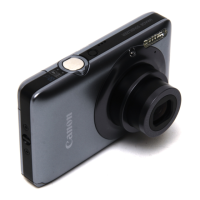
Preparing the Camera
25
Setting the Language
The language in which menus and messages are displayed can be
selected with this function.
• Press the ON/OFF Button until the
power lamp lights.
• Press the
button to display the
Rec. or Play menu.
• Use the
or button to select the
(Set up) menu.
• Use the
or button to select .
• Use the
, ,
or button to
select a language.
• Press the
button to redisplay the
Rec. or Play screen.
• The Language menu can also be displayed in replay mode
by holding down the
button and pressing the
button. However, language settings cannot be adjusted
while a printer is connected.



 To Next Page
 Loading...