2
Confirm Your Printer Model
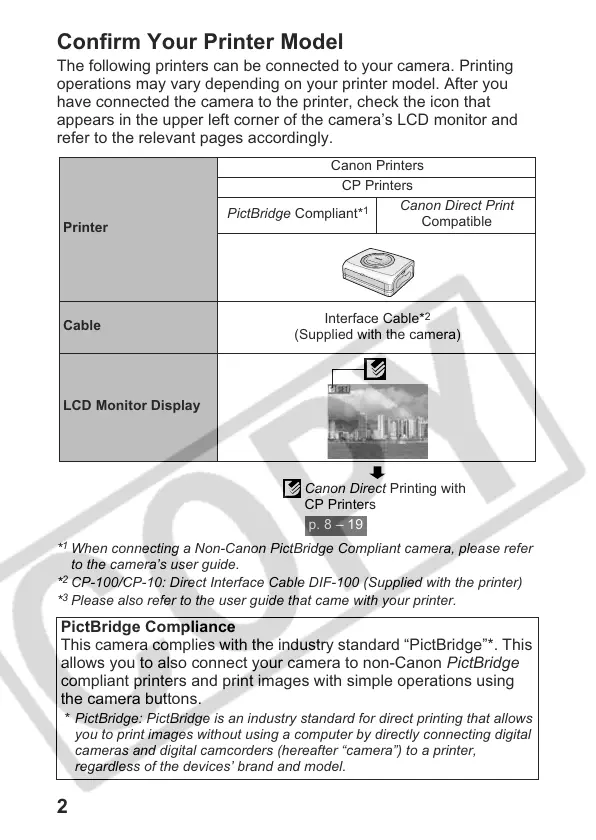
The following printers can be connected to your camera. Printing
operations may vary depending on your printer model. After you
have connected the camera to the printer, check the icon that
appears in the upper left corner of the camera’s LCD monitor and
refer to the relevant pages accordingly.
*
1
When connecting a Non-Canon PictBridge Compliant camera, please refer
to the camera’s user guide.
*
2
CP-100/CP-10: Direct Interface Cable DIF-100 (Supplied with the printer)
*
3
Please also refer to the user guide that came with your printer.
PictBridge Compliance
This camera complies with the industry standard “PictBridge”*. This
allows you to also connect your camera to non-Canon PictBridge
compliant printers and print images with simple operations using
the camera buttons.
* PictBridge: PictBridge is an industry standard for direct printing that allows
you to print images without using a computer by directly connecting digital
cameras and digital camcorders (hereafter “camera”) to a printer,
regardless of the devices’ brand and model.
Printer
Canon Printers
CP Printers
PictBridge Compliant*
1
Canon Direct Print
Compatible
Cable
Interface Cable*
2
(Supplied with the camera)
LCD Monitor Display
Canon Direct Printing with
CP Printers
p. 8 – 19











 To Next Page