2
Preparing to Print
Turn the Power switch to <2>.
1
Set up the printer.
•
For details, refer to the printer’s
manual.
2
Camera Settings
If you have a CP-series Canon Card photo printer, see “Camera
Direct Printing” to print photos.
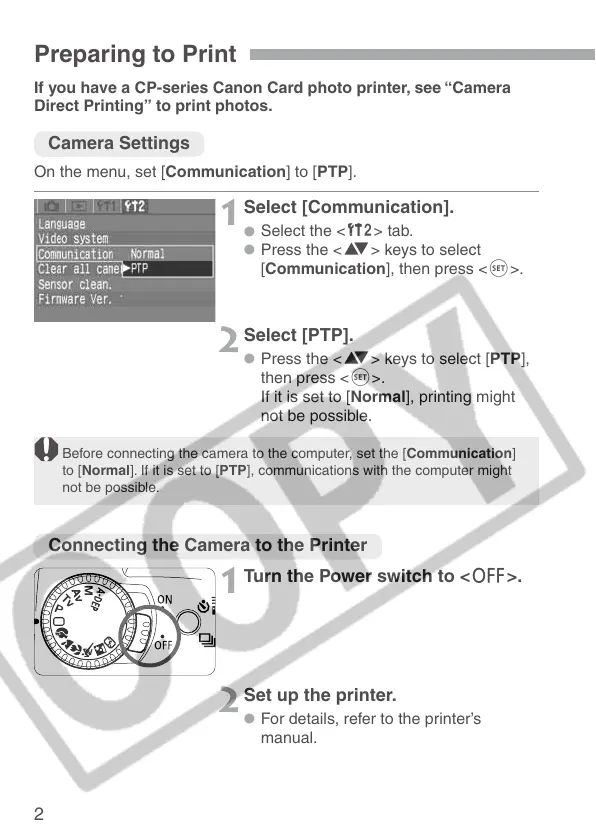
On the menu, set [Communication] to [PTP].
Select [Communication].
•
Select the <˚> tab.
•
Press the <å> keys to select
[Communication], then press <p>.
1
Select [PTP].
•
Press the <å> keys to select [PTP],
then press <p>.
If it is set to [Normal], printing might
not be possible.
2
Before connecting the camera to the computer, set the [Communication]
to [Normal]. If it is set to [PTP], communications with the computer might
not be possible.
Connecting the Camera to the Printer












 To Next Page