•
To
cancel this function, set the dial
to
another position.
• When focusing extremely near and far
points, t
he
automatica
ll
y-set shutter speed
will become comparatively slow, and " AE"
may blink slowly to warn of camera shake.
If this occurs, use a tripod.
• I n step
# 5, if it is impossible for the
camera to get the distance range in focus,
" • " blinks quickly (four t
im
es
per second).
Exposure, however, wi
ll
still
be
okay.
•
When
using a zoom lens, do not change the
zoom position
after
the first
point
is
focused.
Depth·of·Field
AE
Hints
• U
se
the wide-angle setting of your zoom
lens to obtain max
im
um
zone of focus.
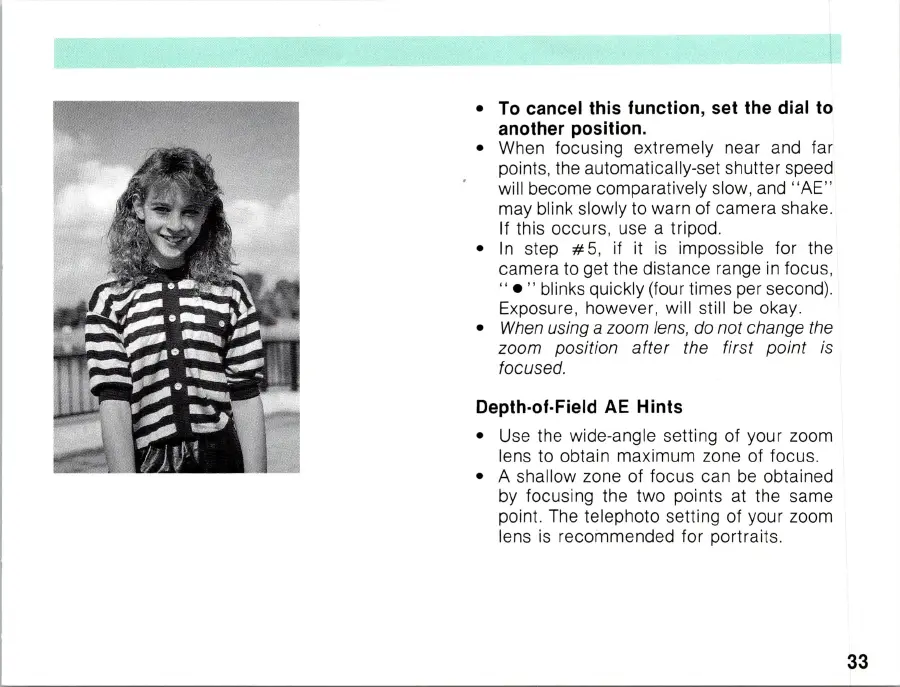
• A shallow
zo
ne of focus can
be
obtained
by focusing the two points at the same
point. T
he
telephoto setting of your zoom
lens is recommended for portraits.
33



 To Next Page