Playing Back Movies and Viewing Photos
• You can also play back a slideshow of your photos (complete with
background music).
__
See S/ideshow, 63 for details.
I Adjusting
the
Volume
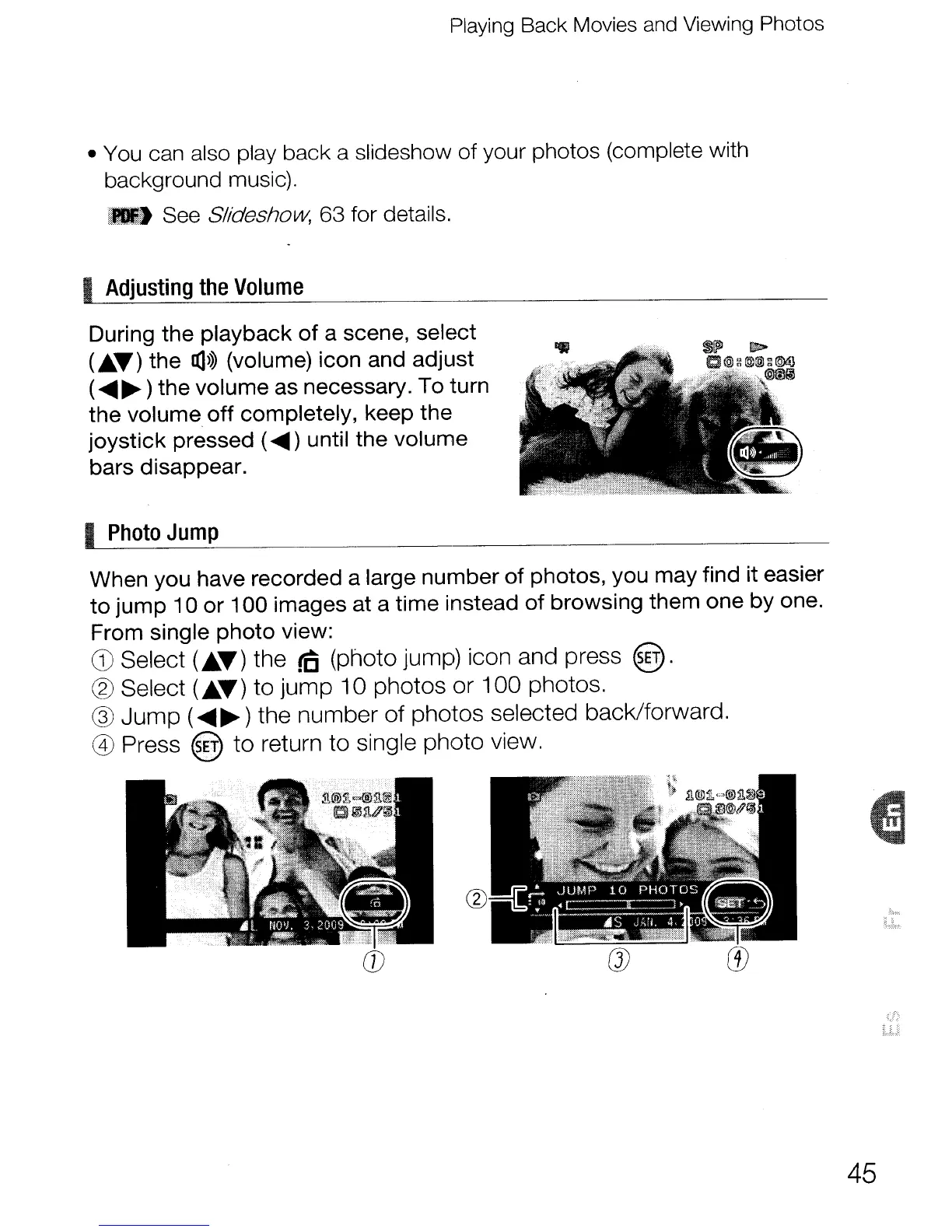
During the playback
of
a scene, select
(.T)
the
IX]>>>
(volume) icon and adjust
(
......
~)
the volume as necessary. To turn
the volume
off
completely, keep the
joystick
pressed (
......
) until the volume
bars disappear.
I
Photo
Jump
When you have recorded a large number
of
photos, you may find it easier
to
jump
10
or
100
images at a time instead
of
browsing them one by one.
From single
photo
view:
CD
Select
(£.T)
the
rc
(photo jump) icon and press @.
@ Select
(£.T)
to jump 10 photos or 100 photos.
@
Jump
(
......
~)
the number of photos selected back/forward.
@ Press
@ to return to single photo view.
CD
45



 To Next Page