Video
43
Basic Playback
Playing Back Video
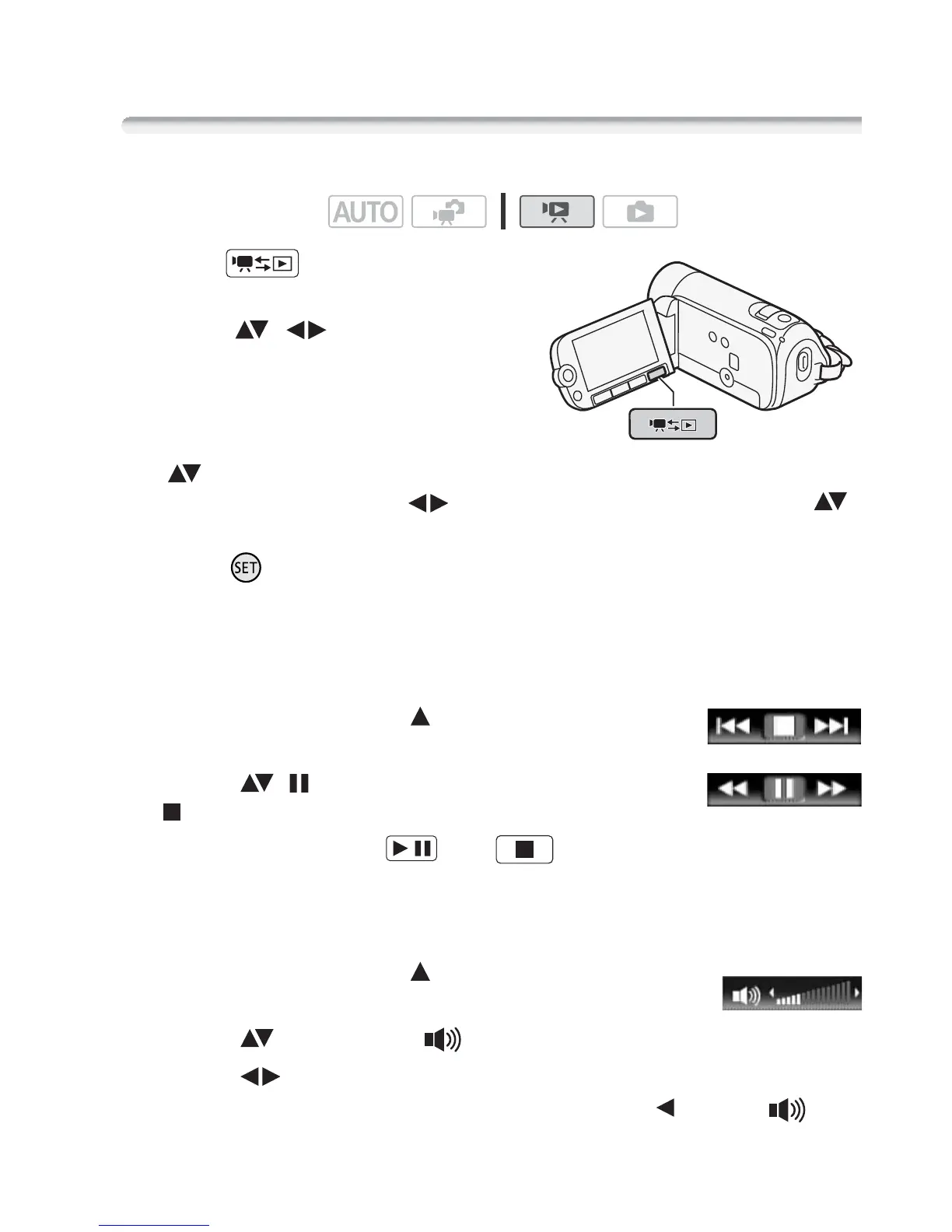
1 Press to open the [Movies]
index screen.
2 Move ( , ) the selection
frame to the scene you want to
play back.
When you have recorded a large
number of scenes, you can display
( ) a slidebar below the scene
thumbnails and browse ( ) through index pages; then, return ( )
to select the desired scene.
3 Press to begin the playback.
Playback will start from the scene selected and continue until the end
of the last scene recorded.
To pause/stop the playback
1 During playback, open ( ) the joystick
guide.
2 Select ( ) to pause the playback or
to stop the playback.
3 You can also use the and
buttons on the LCD panel.
To adjust the volume
1 During playback, open ( ) the joystick
guide.
2 Select ( ) the top row ( ).
3 Adjust ( ) the volume.
To turn off the volume, keep the joystick pressed ( ) toward until
the volume bars disappear.
Operating modes:
/


 To Next Page