3-42
3
Printer Properties
Matching Tab
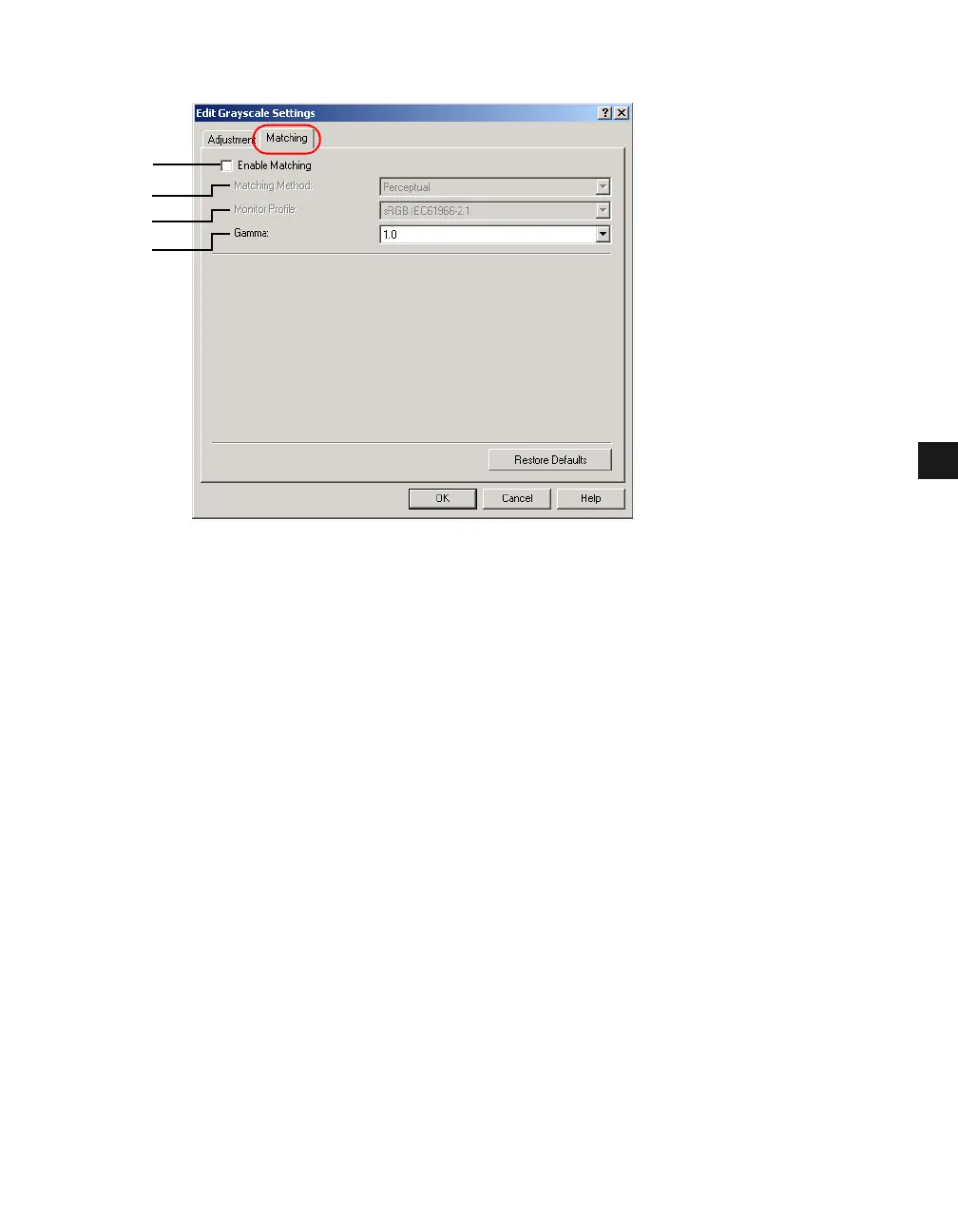
(1) Enable Matching performs the color matching according to the selected method and
monitor profile. Checking this checkbox enables Matching Method (2) and Monitor
Profile (3).
(2) Matching Method lets you select the matching method from the drop-down list.
(3) Monitor Profile lets you select the profile appropriate for your monitor or scanner from
the drop-down list.
(4) Gamma lets you specify the gamma correction factor. This option is enabled only when
the Enable Matching (1) checkbox is not checked.
(1)
(2)
(3)
(4)














 To Next Page