2-11
2
Installing Canon Advanced Raster Printing System
■
■■
■
Windows 98/Me Plug and Play
Windows 98/Me Plug and PlayWindows 98/Me Plug and Play
Windows 98/Me Plug and Play
The following is the installation procedure of Plug and Play, under Windows 98/Me.
The screen shots shown are from Windows 98.
Before you install the software, make sure you do the following:
• Connect the machine to your computer ( Setup Sheet).
• Turn on the machine ( Setup Sheet).
• Start up Windows 98/Me.
Windows 98/Me
Windows 98/MeWindows 98/Me
Windows 98/Me
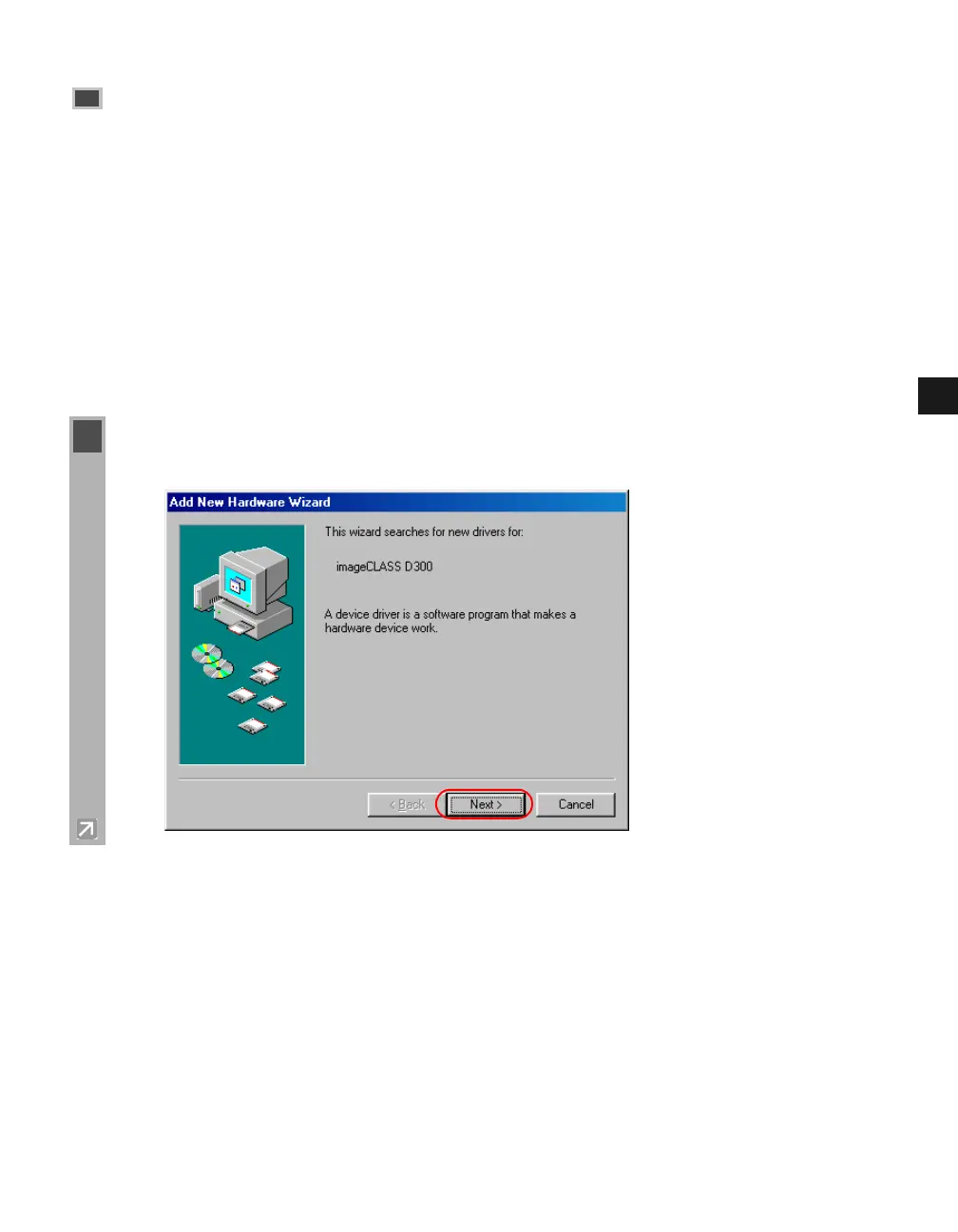
1 Plug and Play is being carried out and the Add New Hardware Wizard dialog box appears.
Click Next.














 To Next Page