2-5
2
Installing Canon Advanced Raster Printing System
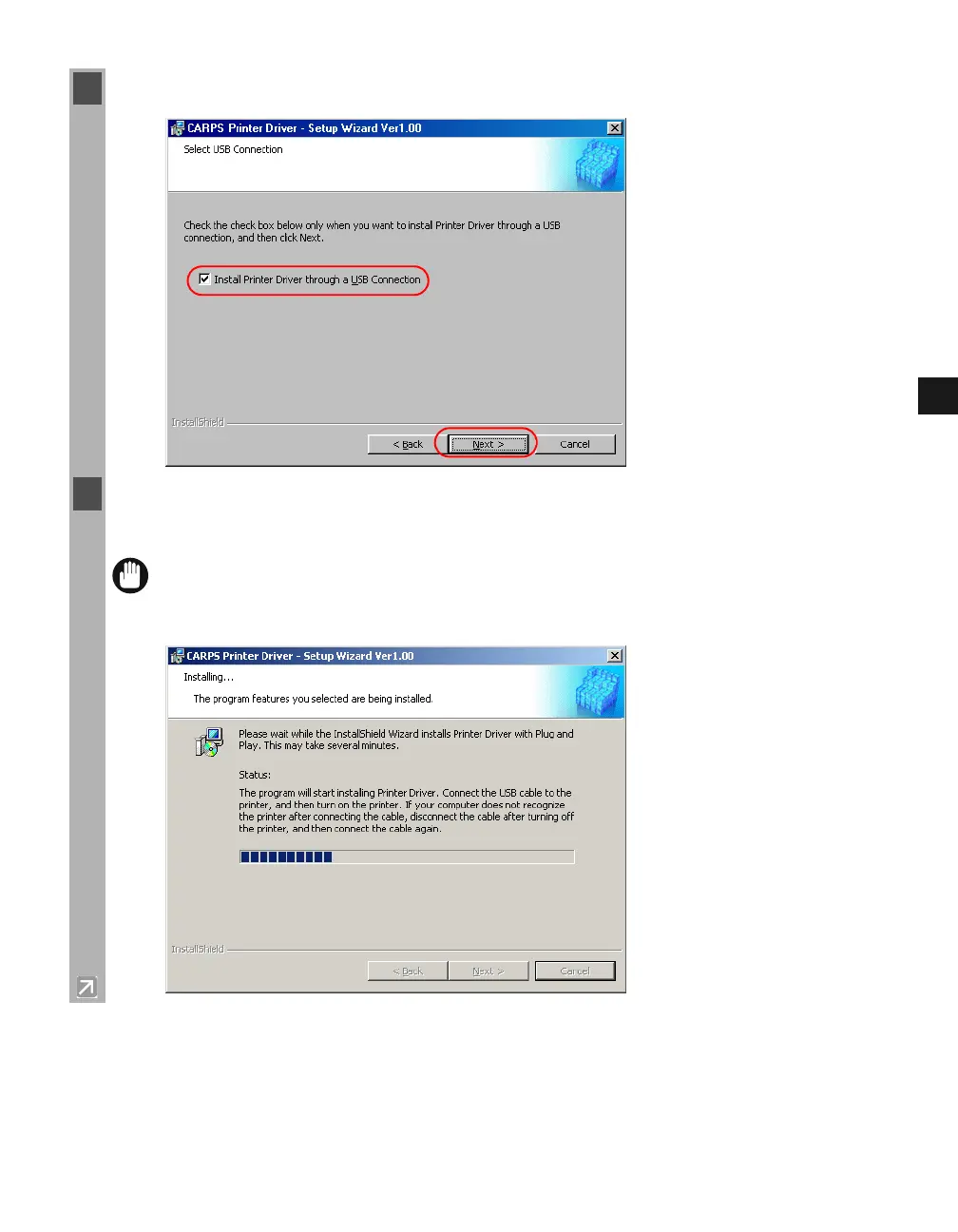
5 Check Install Printer Driver through a USB Connection click Next Ye s.
6 Connect the machine to your computer with the USB cable. The program starts installing the
printer driver automatically.
IMPORTANT
The USB cable must be connected to the port on your computer within 90 seconds
after Ye s is clicked, otherwise the installation will not complete. For more
information on connecting the USB cable, refer to the Setup Sheet.














 To Next Page