2-7
2
Installing Canon Advanced Raster Printing System
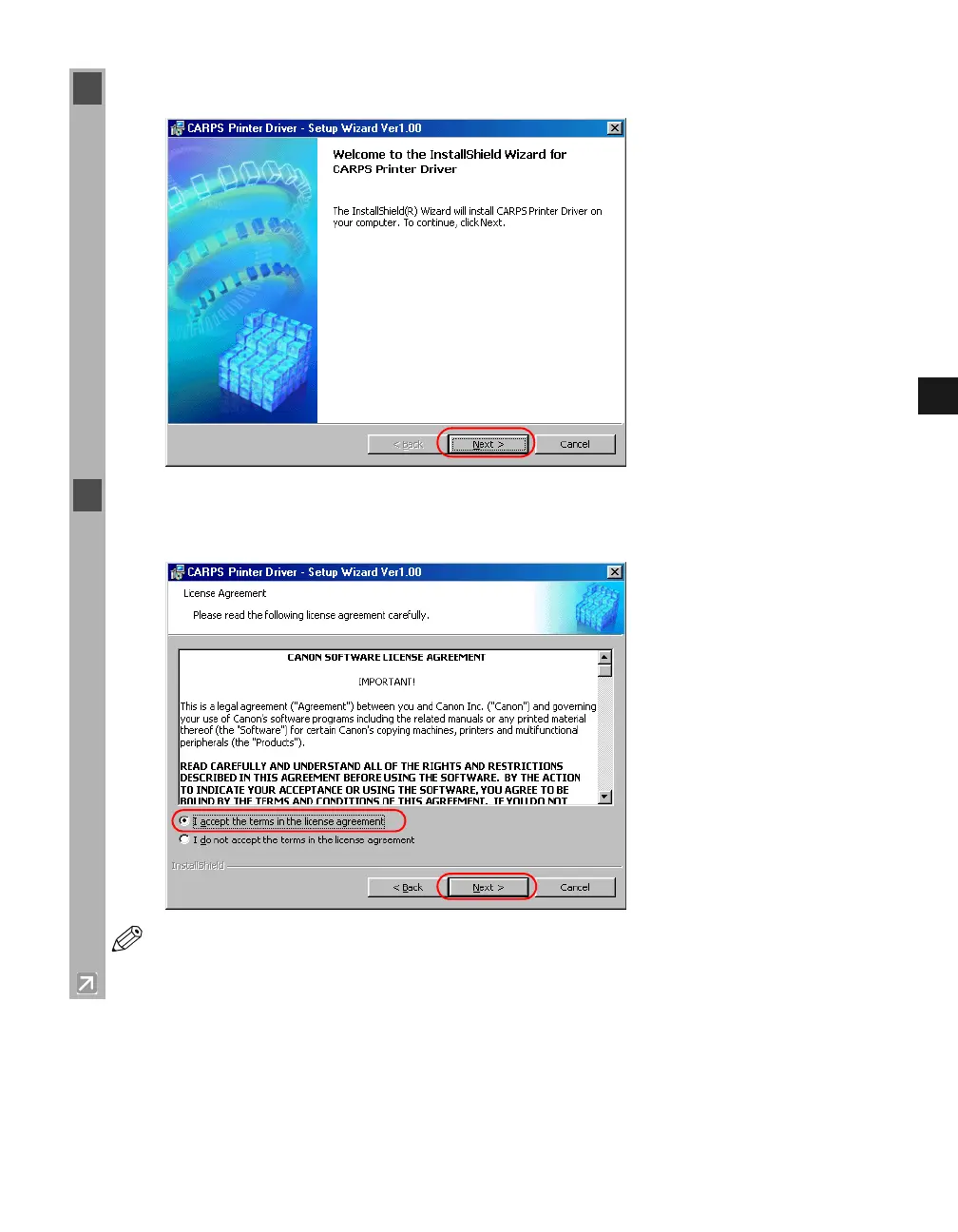
3 Click Next on the CARPS Printer Driver dialog box.
4 When the License Agreement dialog box appears, check the contents. Select I accept the
terms in the license agreement click Next.
NOTE
A message recommending you to restart your computer may appear under some
operating systems. In this case, continue installing after restarting your computer.














 To Next Page