2-36
2
Installing Canon Advanced Raster Printing System
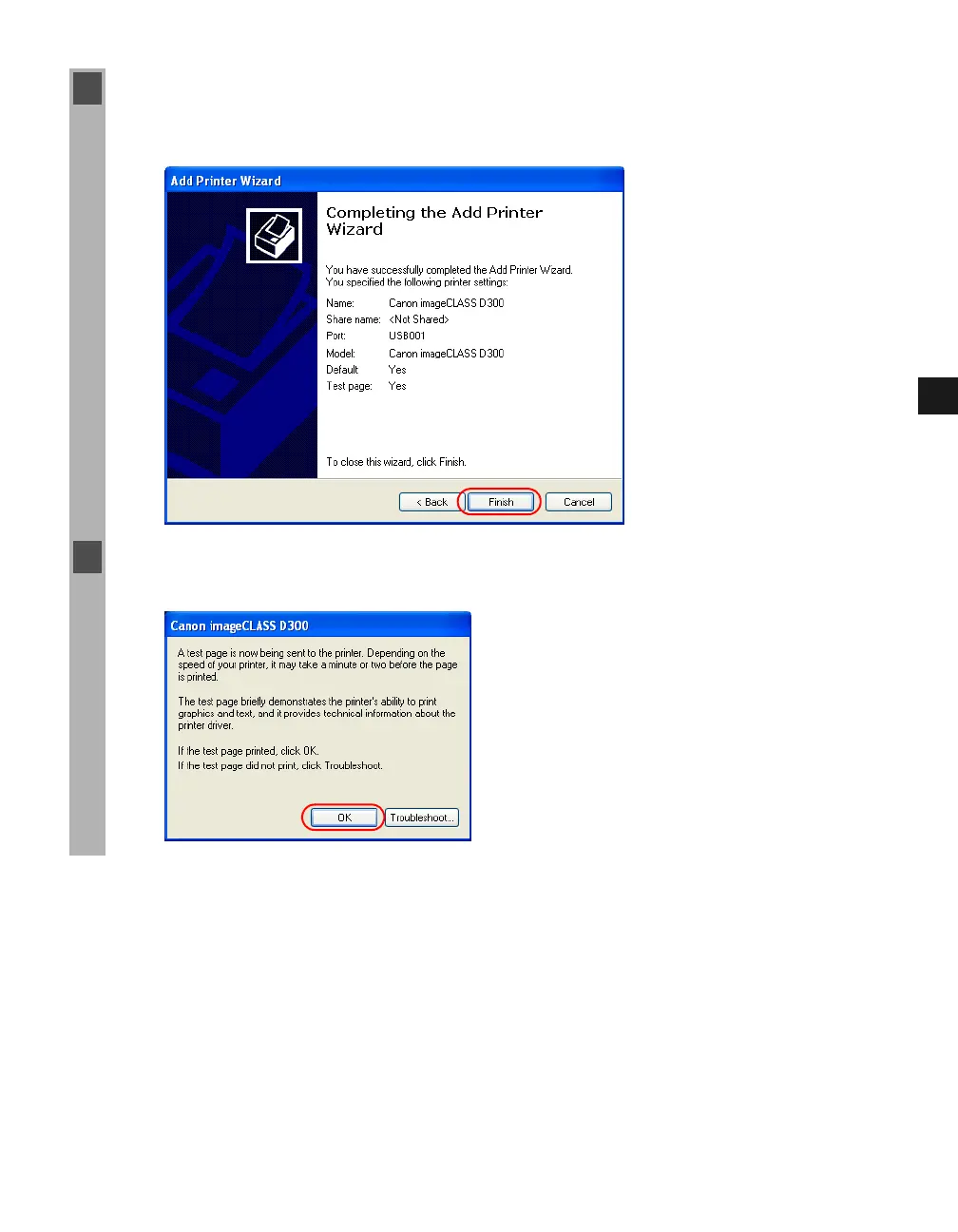
12 When the installation is complete, the following dialog box appears. Click Finish to close
the dialog box.
The Canon imageCLASS D300 icon is added to the Printers and Faxes folder.
13 If you opted to print a test page, the test page is printed after the installation completes, and
the following dialog appears. If the test page is printed correctly click OK.














 To Next Page