2-47
2
Installing Canon Advanced Raster Printing System
Add Server Service (Windows 2000)
1 From the Start menu, select Settings Network and Dial-up Connections.
The Network and Dial-up Connections folder appears.
2 Right-click the Local Area Connection icon select Properties from the pop-up menu.
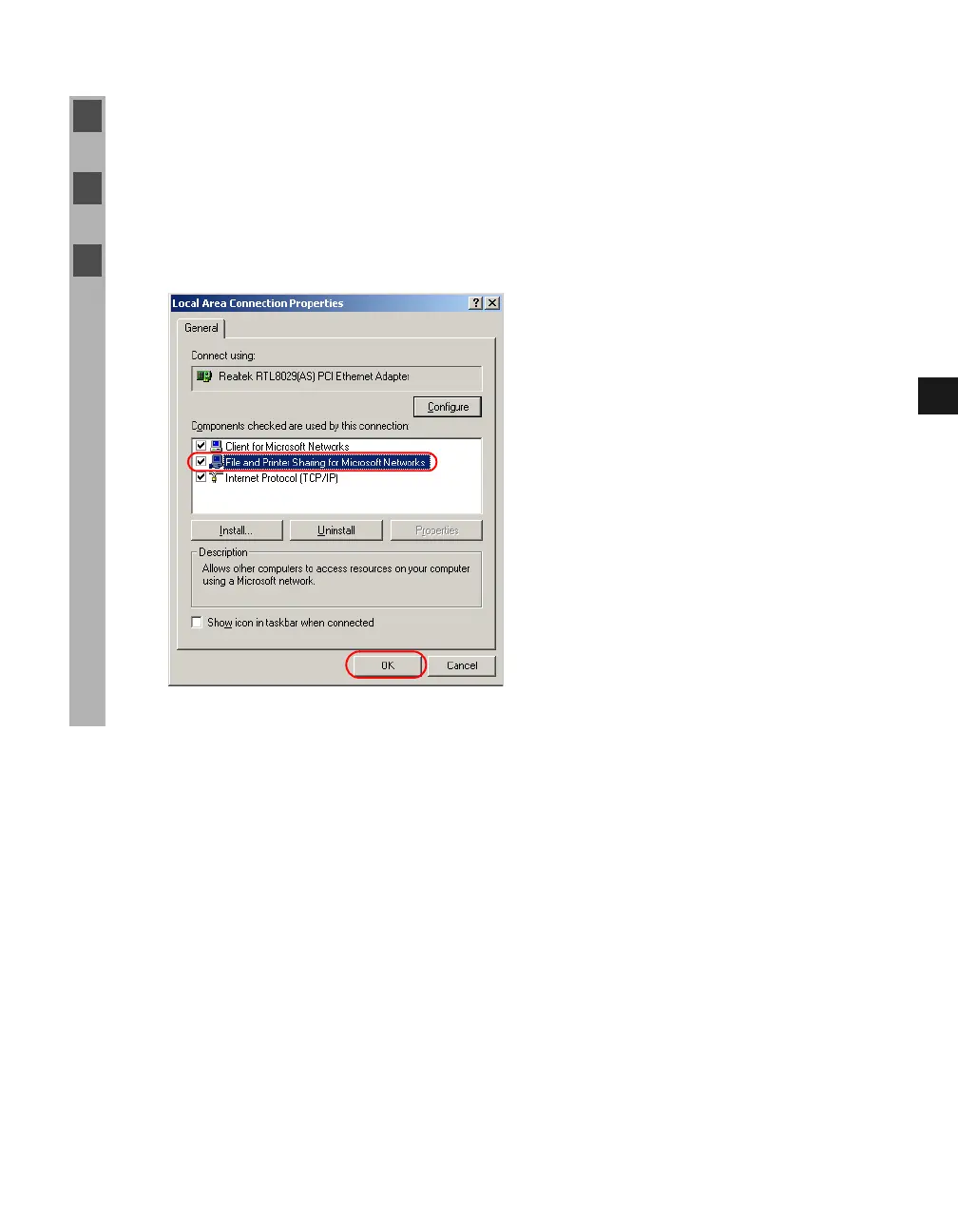
The Local Area Connection Properties dialog box appears.
3 Select File and Printer Sharing for Microsoft Networks click OK.














 To Next Page