Changing the Item Display Order (Black and White LCD Model)
To make the buttons easier to use, you can freely change the item display order.
1
Select <Display Order (Home)> in the Home screen. Home Screen(P. 107)
2
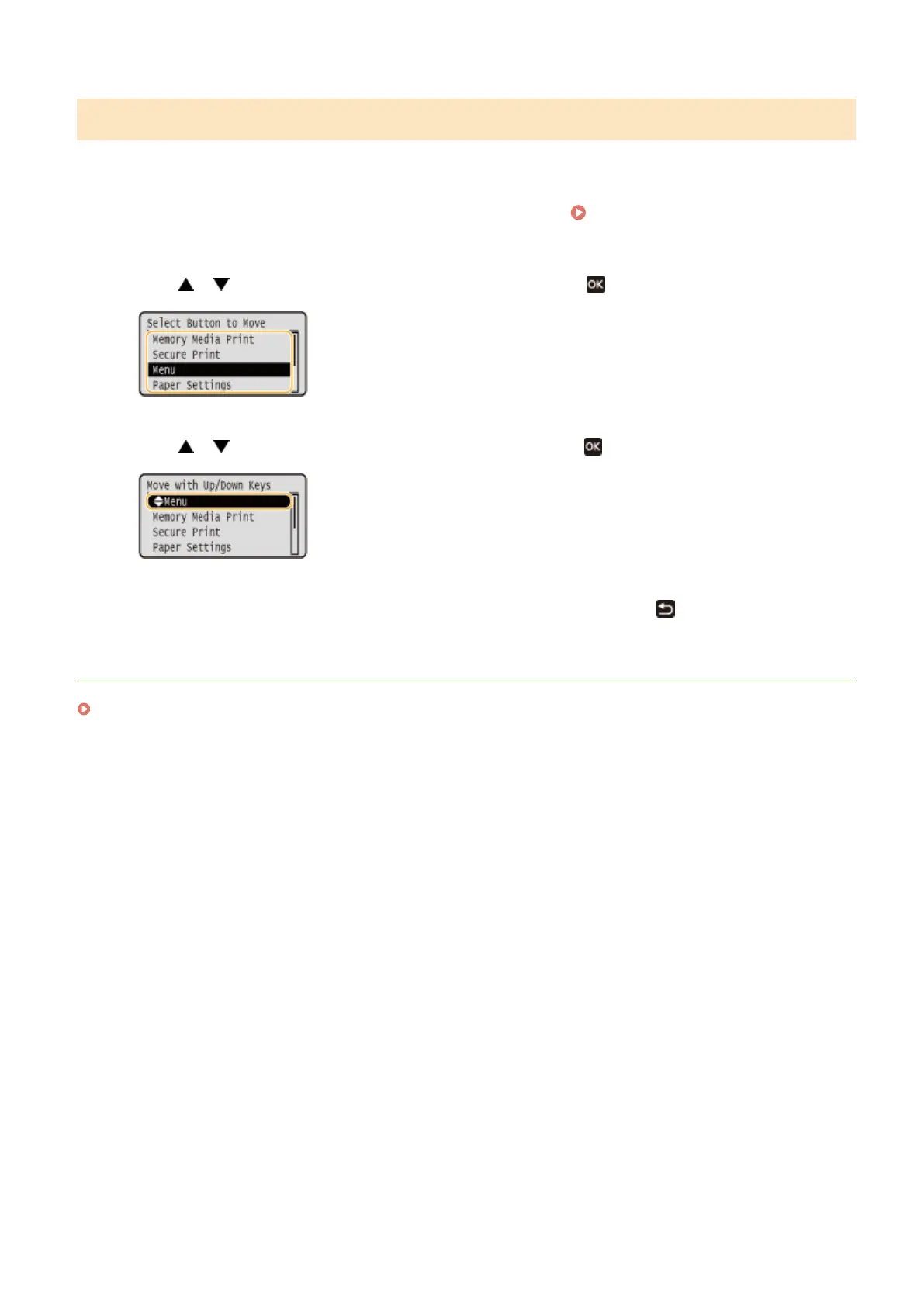
Use / to select the item to be moved, and press .
3
Use / to move to the target position, and press .
4
When the buttons are rearranged in the way you want, press .
LINKS
Basic Operation(P. 114)
Basic Operations
160













 To Next Page