3
Select <Secure Print>.
● If the login screen appears, enter the correct ID and PIN. Logging in to the Machine(P. 123)
4
Select <Secure Print Deletion Time>.
When <Secure Print Deletion Time> cannot be selected
● Set <Use Secure Print> to <On>.
Disabling Secure Print
● Set <Use Secure Print> to <Off>, and then restart the machine.
5
Specify how long the machine holds secured documents, and select <Apply>.
● The secured document is deleted from the memory of the machine unless it is printed before the time
specied here elapses.
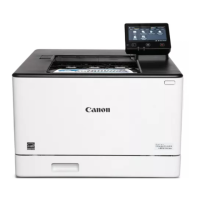
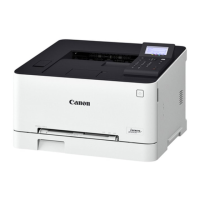
● On the black and white LCD model, proceed to step 7.
6
Select <Apply>.
7
Restart the machine.
● Turn OFF the machine, wait for at least 10 seconds, and turn it back ON.
LINKS
Checking the Printing Status and Log(P. 173)
Restricting Printing from a Computer(P. 269)
Printing
179







 To Next Page